YO Air Pressure Monitor
Overview
Description
YO Air Pressure Monitor is a LoRaWAN device designed for precise measurement of differential pressure and airflow in critical systems. It utilizes a high-accuracy pressure sensor to detect pressure drops across filters, monitor ventilation efficiency. With its reliable monitoring capabilities, the device makes it easy to detect system faults early and maintain optimal environmental conditions for infrastructure or agricultural facilities. Designed for long-term reliability, it also includes sensors that measure temperature and relative humidity inside the device, providing environmental context around the device’s location.
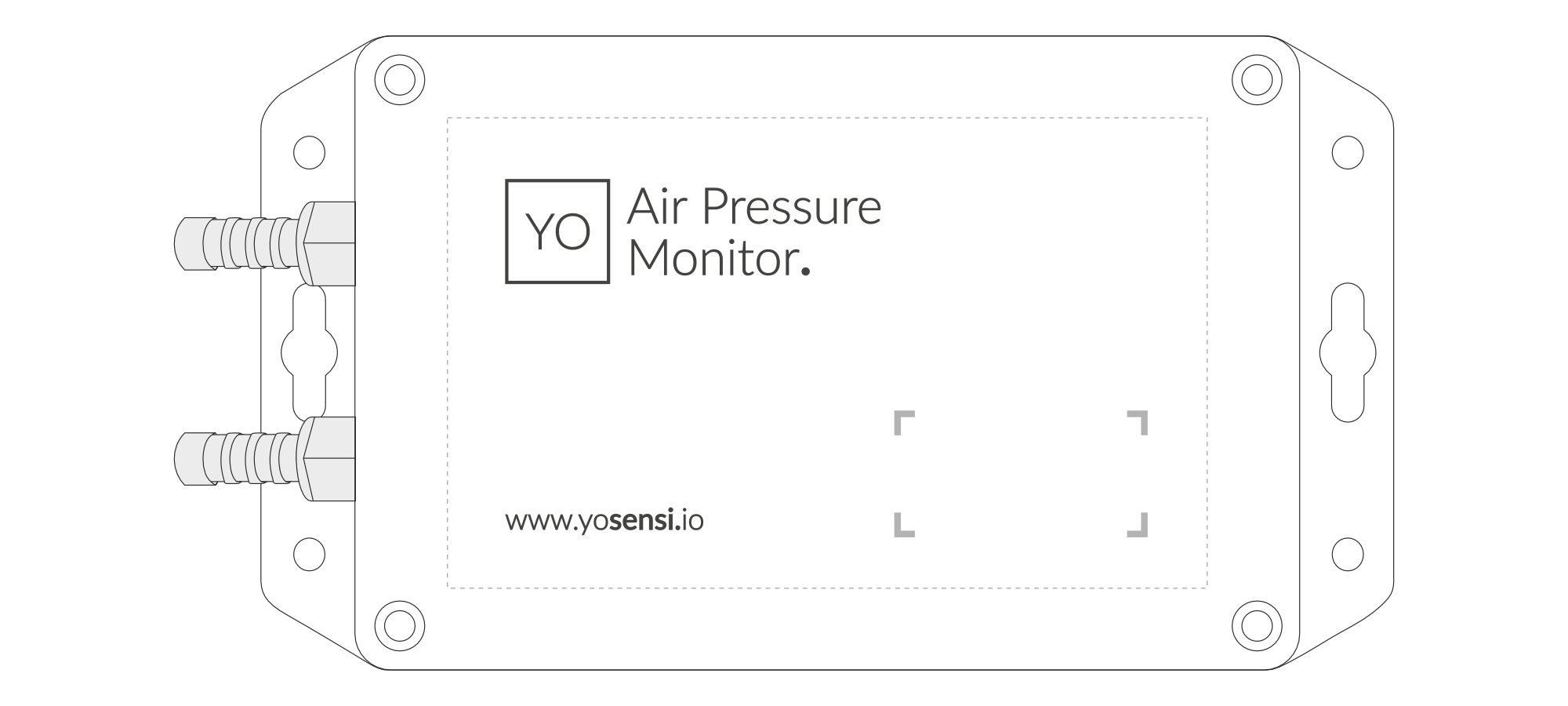
Figure 1. Device top view
Device sticker placed on top and bottom of the enclosure contains information about model, version, LoRaWAN region and 3 parameters important in case of device identification and configuration:
- DEV EUI: 64-bit unique device identifier in a LoRaWAN network,
- DEV ADDR: address required to connect via ABP activation type to LoRaWAN,
- BLE MAC: bluetooth physical address.
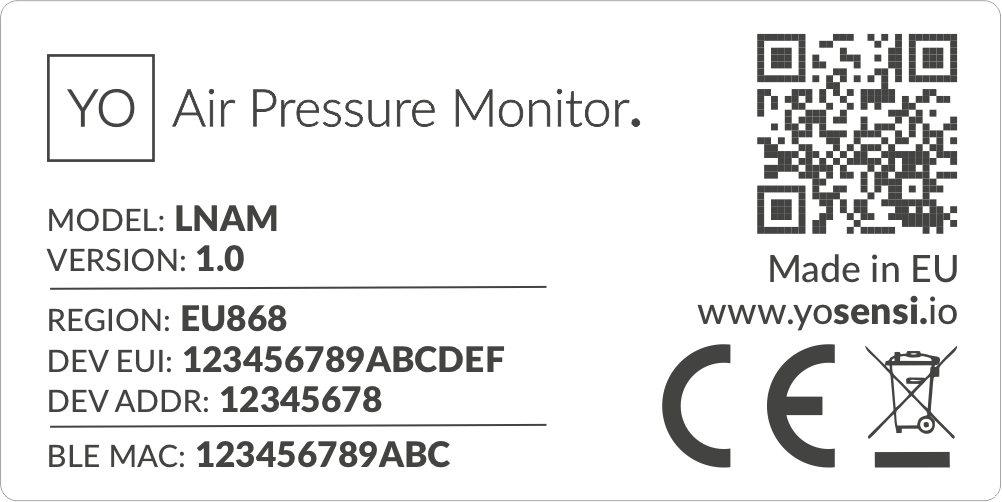
Figure 2. Device sticker
Features
- LoraWAN Technology: Available in multiple versions with LoRa radio configured for various regions and ISM frequency bands (e.g., EU868, US915, AU915), it is compatible with both private and public LoRaWAN networks and supports connections via ABP (Activation by Personalization) or OTAA (Over-The-Air Activation).
- Bluetooth Low Energy (BLE): Enables easy configuration through a user-friendly JSON data exchange format, supports firmware updates via OTA (Over-the-Air), and boasts very low energy consumption.
- Battery-Powered: 2 x ER34615 (D) LiSoCL2 batteries featuring very low self-discharge, ensuring long-term operation without the need for an external power supply.
- Temperature and Relative Humidity: Measured by sensors within the device enclosure, using a vent to allow external air entry, providing insights into environmental conditions and ensuring operation within recommended parameters.
- Differential Pressure Sensor: Measures pressure differences with high precision to detect airflow issues, monitoring HVAC filter performance and ventilation efficiency.
- Yosensi Management Platform: Provides a web tool for device configuration, firmware updates, and infrastructure management. Enables comprehensive monitoring of transmitted data and easy device management.
- Yosensi Mobile App: Effortlessly manage devices with features to register new ones, configure settings, perform firmware updates, view/send logs, and test LoRaWAN connectivity. Learn more in our detailed Yosensi App blog post.
Specifications
Physical
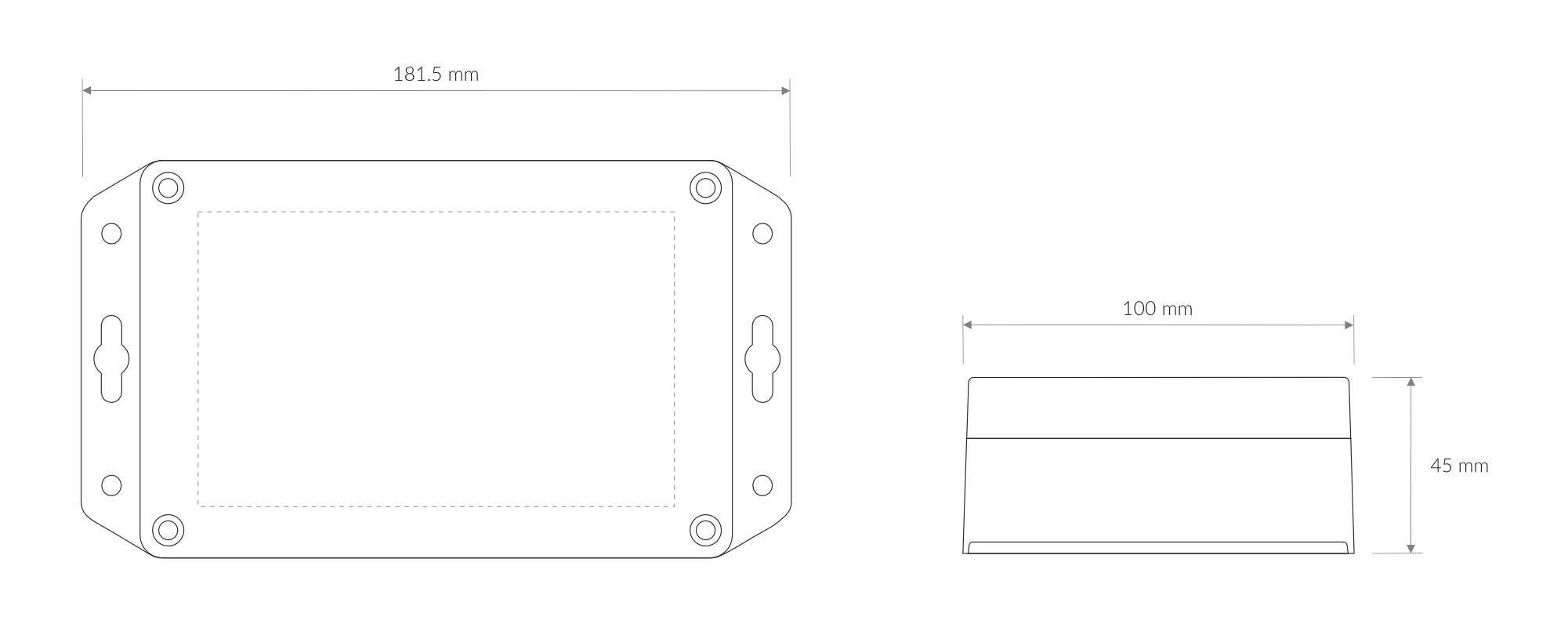
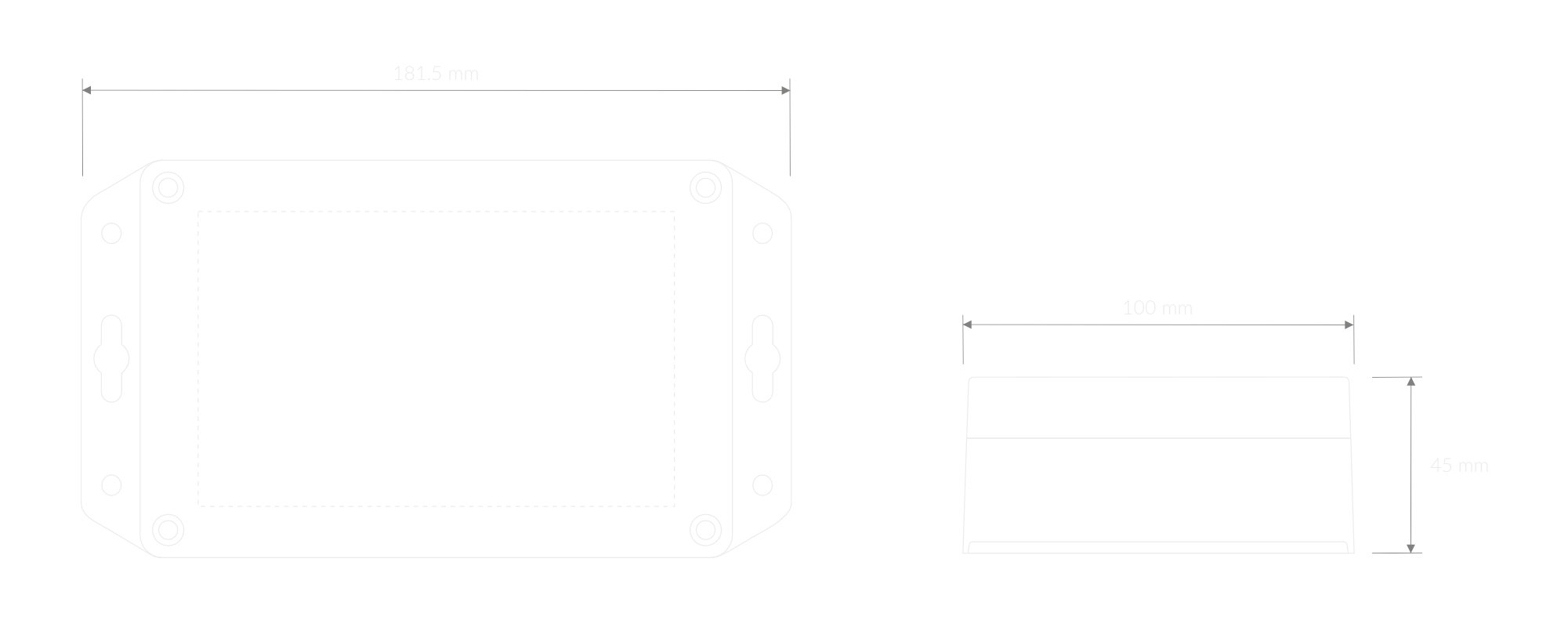
Figure 3. Dimensions of the device
Device
| Attribute | Description |
|---|---|
| Dimensions | Height: 45 mm Width: 101.5 mm Depth: 181.5 mm |
| Colour | Light Grey |
| Mounting method | Magnets on the back Mounting holes |
| Enclosure material | ABS, PC |
| Level of protection | IP68, UL94-V2 |
| Weight (without batteries, excl. probes) | 200 g |
Pitot Tubes
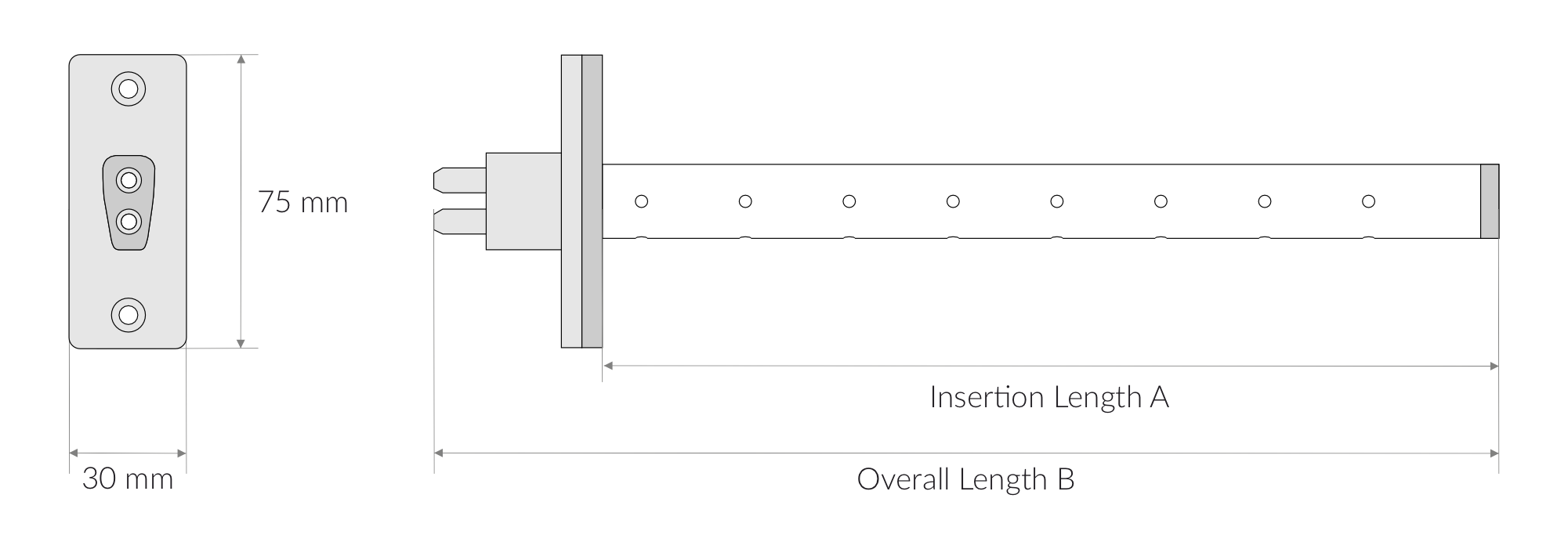
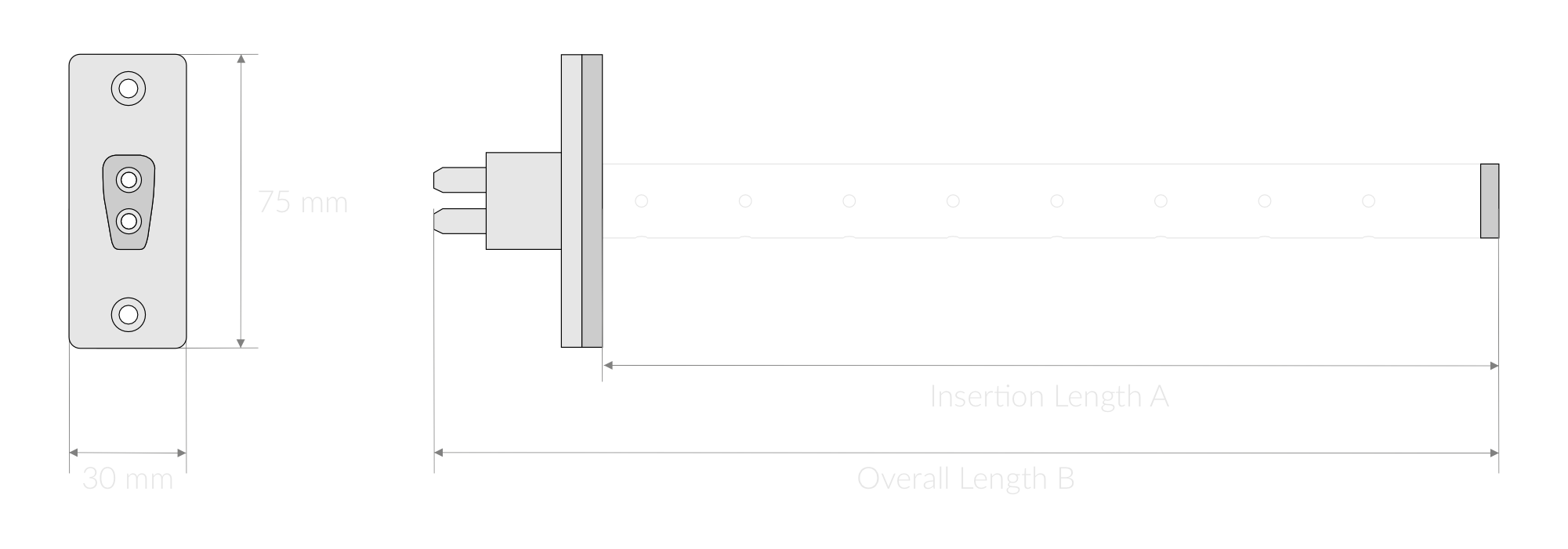
Figure 4. Pitot Tubes
| Attribute | Description |
|---|---|
| Base Dimensions | 30 mm x 75 mm |
| Insertion Lengths (A) | 150 mm, 200 mm, 250 mm, 300 mm, 350 mm, 400 mm, 450 mm, 500 mm, [custom length] |
| Overall Lengths (B) | 193 mm, 243 mm, 293 mm, 343 mm, 393 mm, 443 mm, 493 mm, 543 mm |
| Colour | Blue |
| Tubes length | 1 m |
| Mounting method | Mounting plate, screws |
| Materials | Aluminium alloy, Rubber, ABS, PU |
| Weights | 160 g, 175 g, 185 g, 200 g, 210 g, 225 g, 235 g, 250 g |
Silicon Tubes
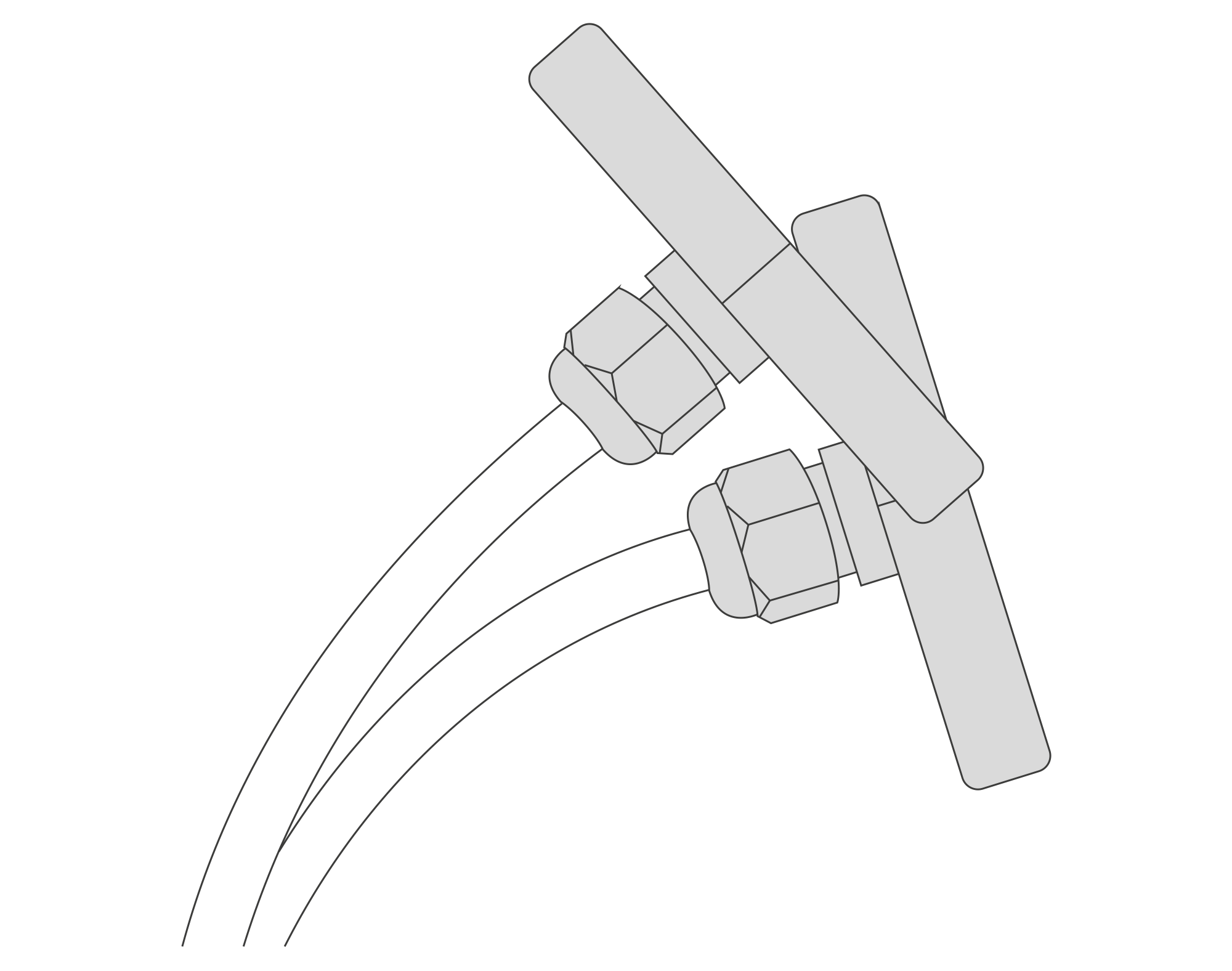
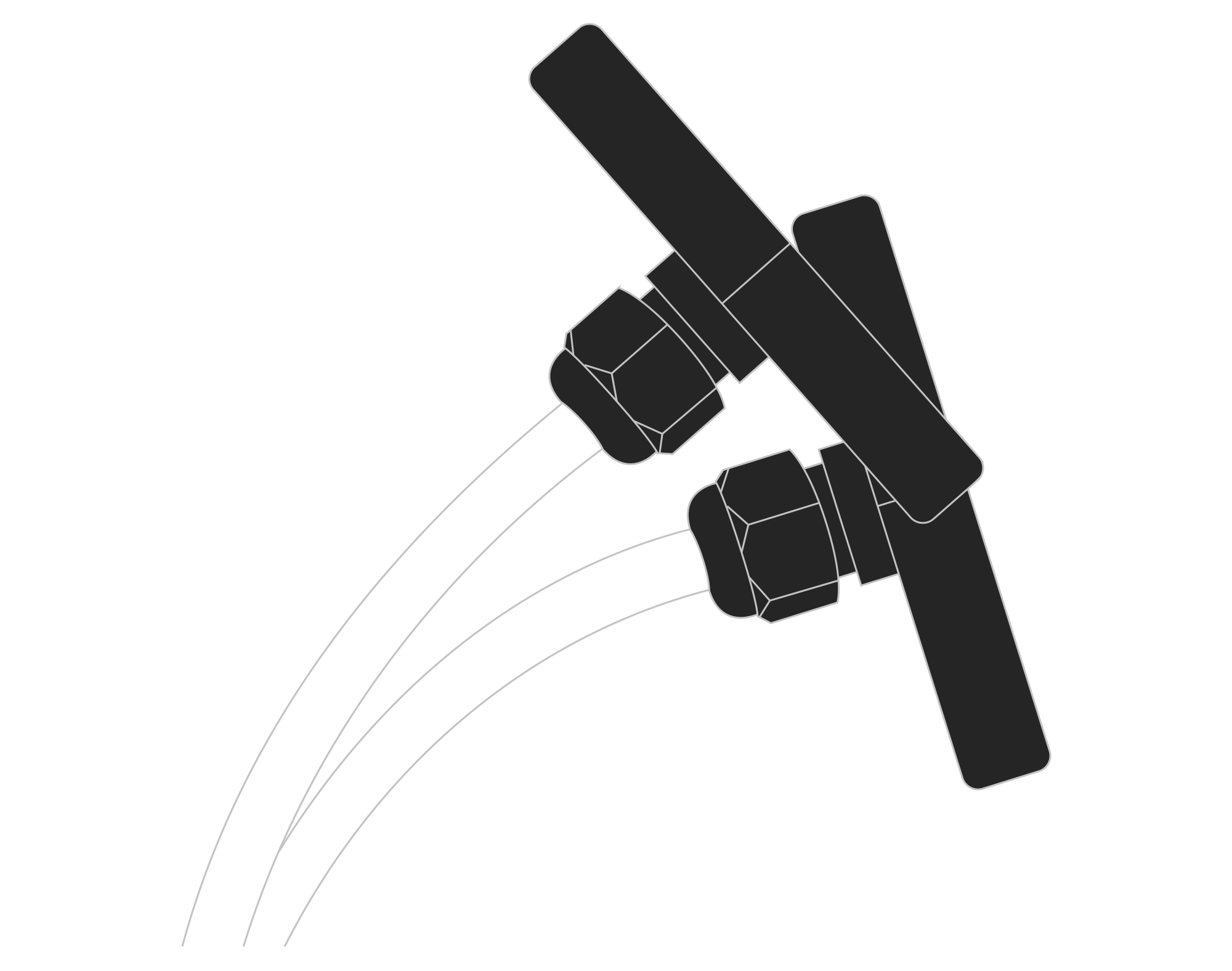
Figure 5. Silicon Tubes
| Attribute | Description |
|---|---|
| Base Dimensions | 83.5 mm x 40 mm |
| Colour | Dark Grey / Transparent |
| Tubes length | 2 m |
| Materials | PETG, PU |
| Weight | 115 g |
Operating Conditions
| Attribute | Description |
|---|---|
| Temperature | 0°C to 70°C |
| Humidity | 0 to 90% |
| Placement | Indoor/Outdoor use |
| Power supply | 2 x ER34615 (Size D) LiSoCL2 battery (2 x 3.6 V) |
| Power consumption | Maximum: 120 mA DC (7.2 V DC) |
Measured Values
| Parameter | Measurement range | Accuracy |
|---|---|---|
| Temperature | -40°C to 125°C | ±0.2°C (10°C to 60°C) |
| Relative humidity | 0% to 100% | ±2% (20% to 80%) |
| Differential Pressure | -2500 Pa to 2500 Pa | ±1.5% FSS |
| Air Velocity | 0 m/s to 100 m/s | Depends on probe & K-factor |
Controls and Indicators
LED Status Indicator
YO Air Pressure Monitor communicates its current behaviour to the user by RGBW LED placed on top.
Diode statuses interpretation
| Behavior | Colour | Device Status |
|---|---|---|
| Single flash | Green | General: device is working correctly (power and memory). |
| Single flash | Red | General: device is working incorrectly (power and memory). LoRaWAN communication: failed to receive an acknowledgement from LoRaWAN Server within specified timeout. |
| Single flash | White | LoRaWAN communication: LoRaWAN frame sent / confirmation from LoRaWAN Server after receiving the frame. |
| Slow flashing | Blue | BLE communication: connection to the device via BLE (configuration). |
| Rapid flashing | Blue | LoRaWAN communication: connecting to LoRaWAN network. |
Buttons
The YO Air Pressure Monitor features a reset button and an LED indicator. Figure 6 illustrates their placement. To reboot the device, briefly press the reset button.
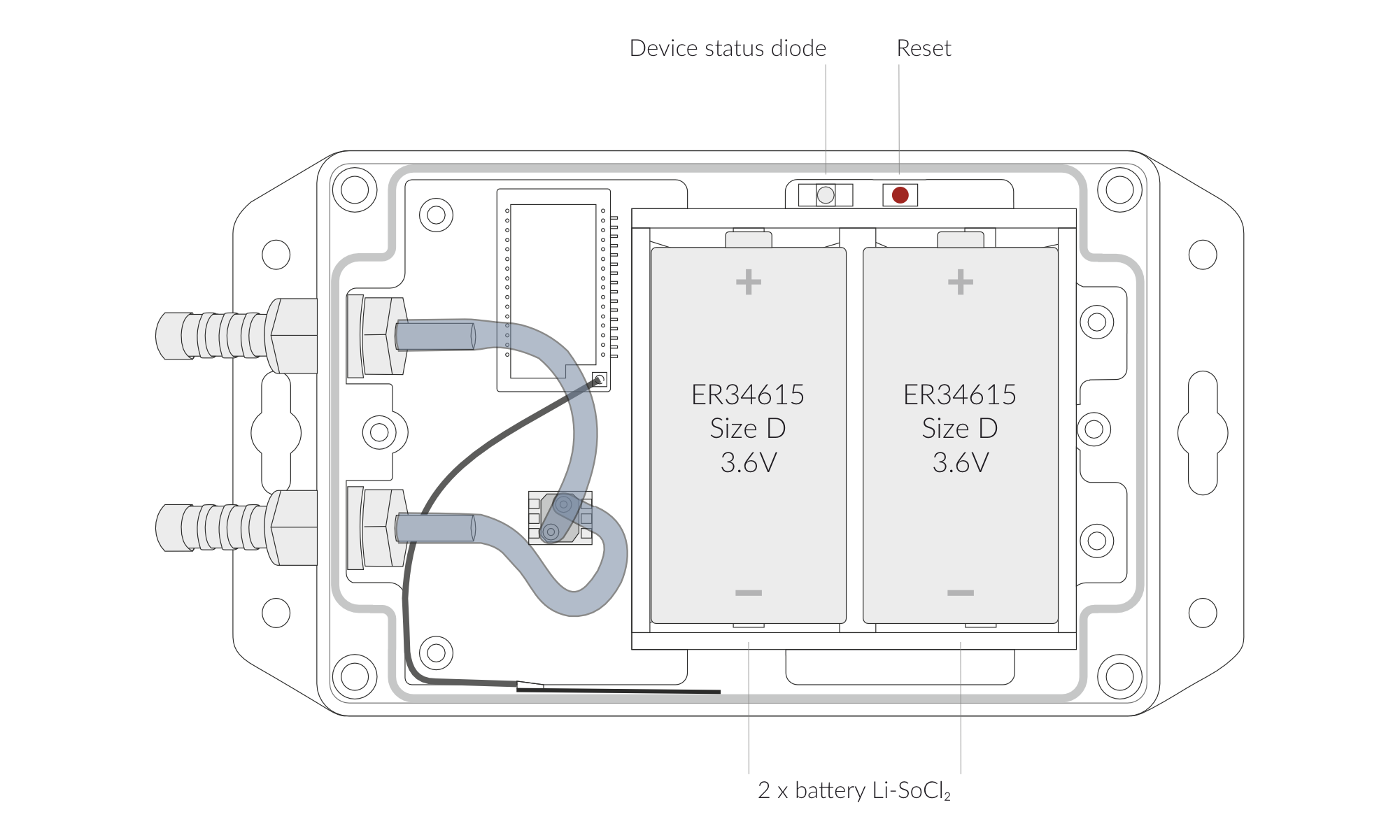
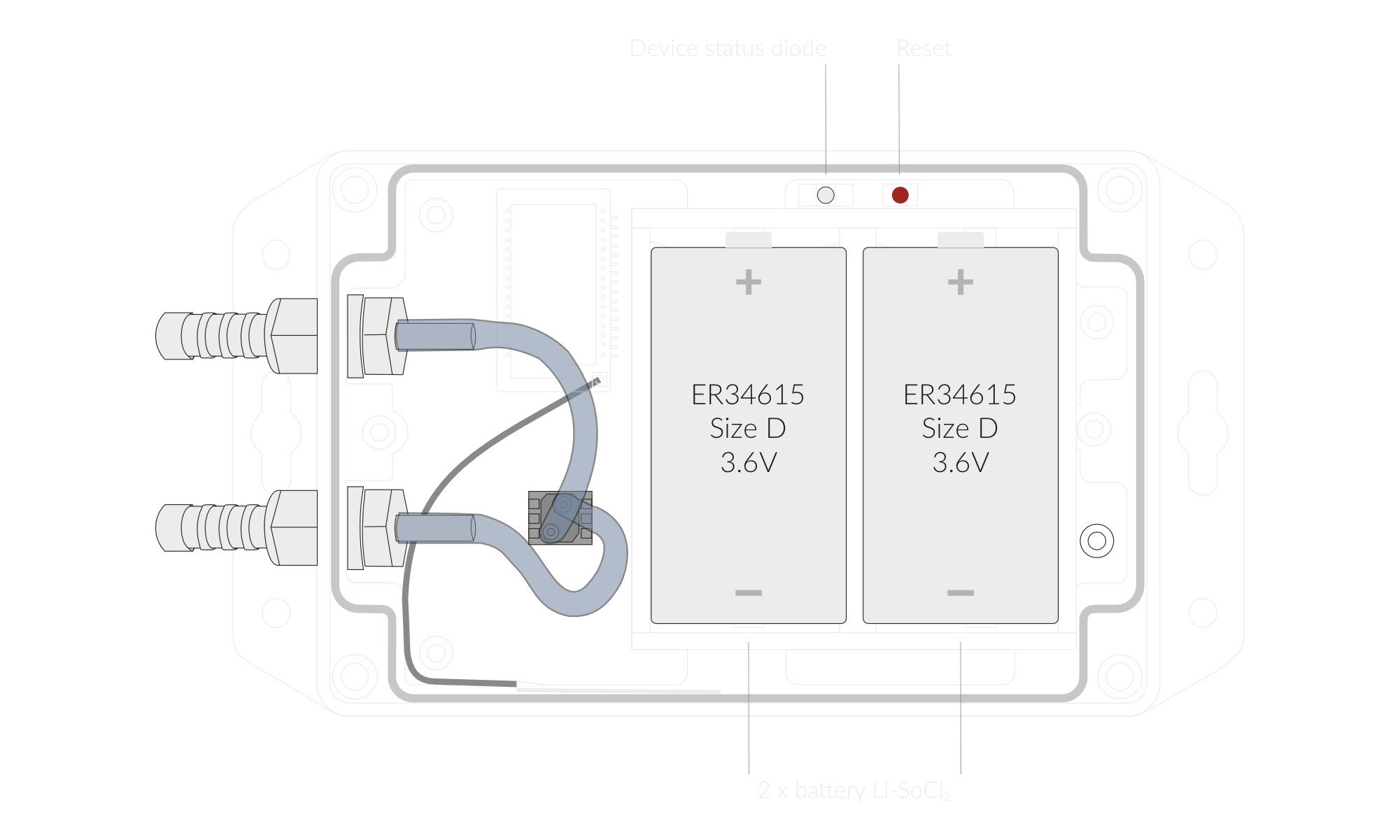
Figure 6. Reset button and LED indicator
Installation
Package Contents
- Device (without batteries).
- Warranty card.
Safety Precautions
Go to the Safety Precautions section to see important information on handling, disposal and maintenance.
Installation Guide
- Unscrew the device: remove 4 screws from the enclosure.
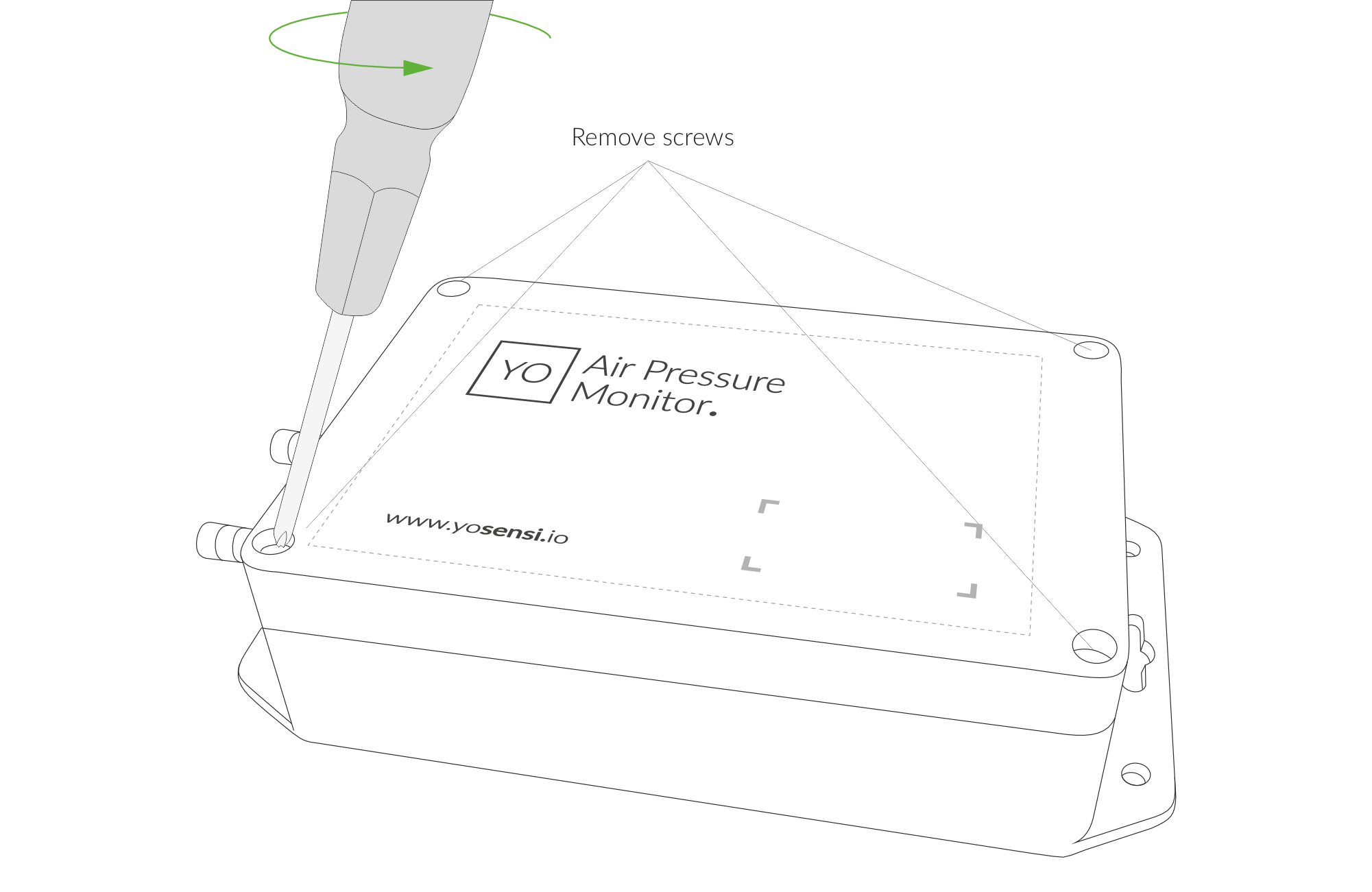
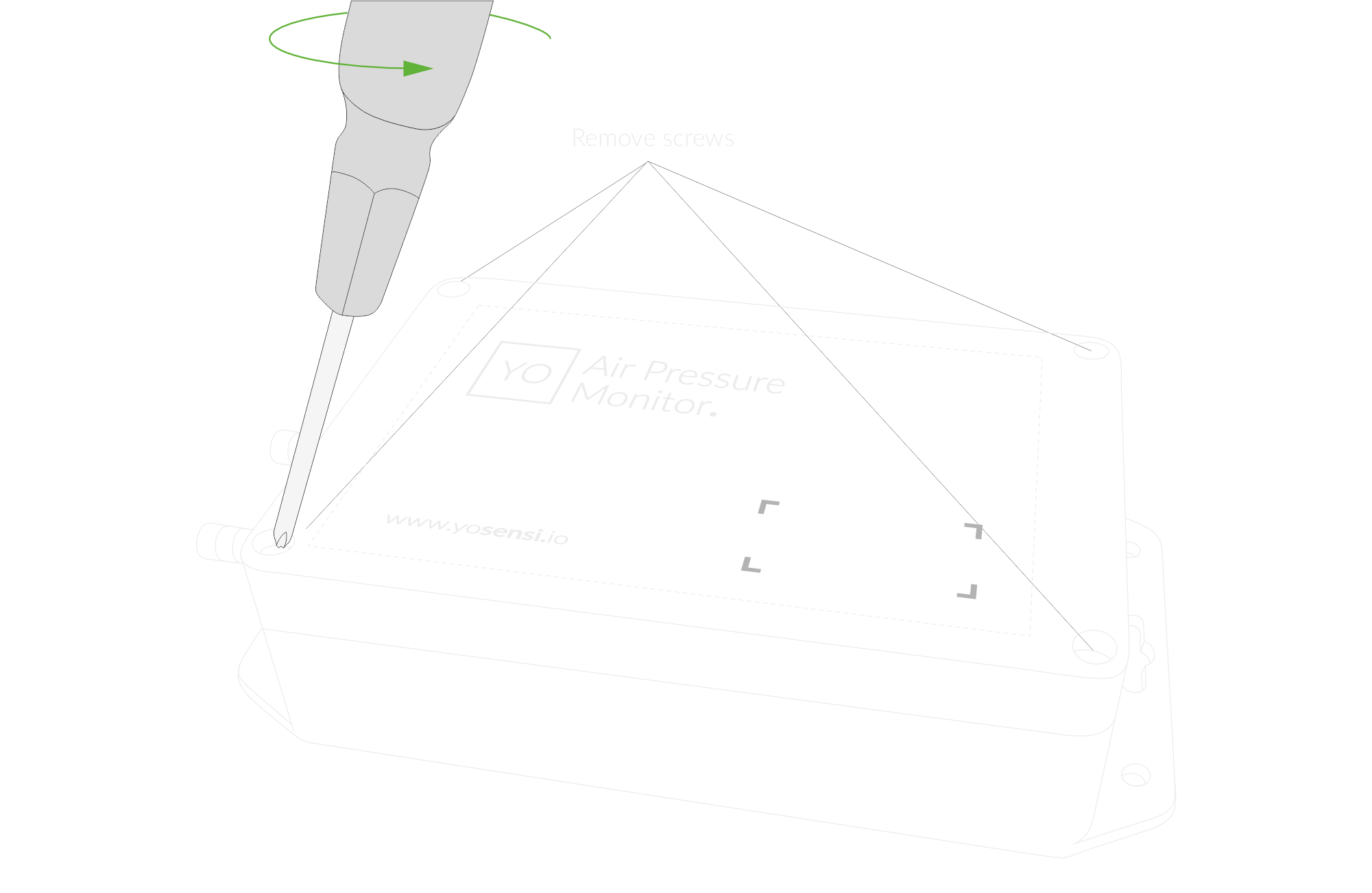
Figure 7. Unscrew the device
- Place two ER34615 (D) LiSoCL2 batteries in the device according to the polarity indicated on the battery holder.
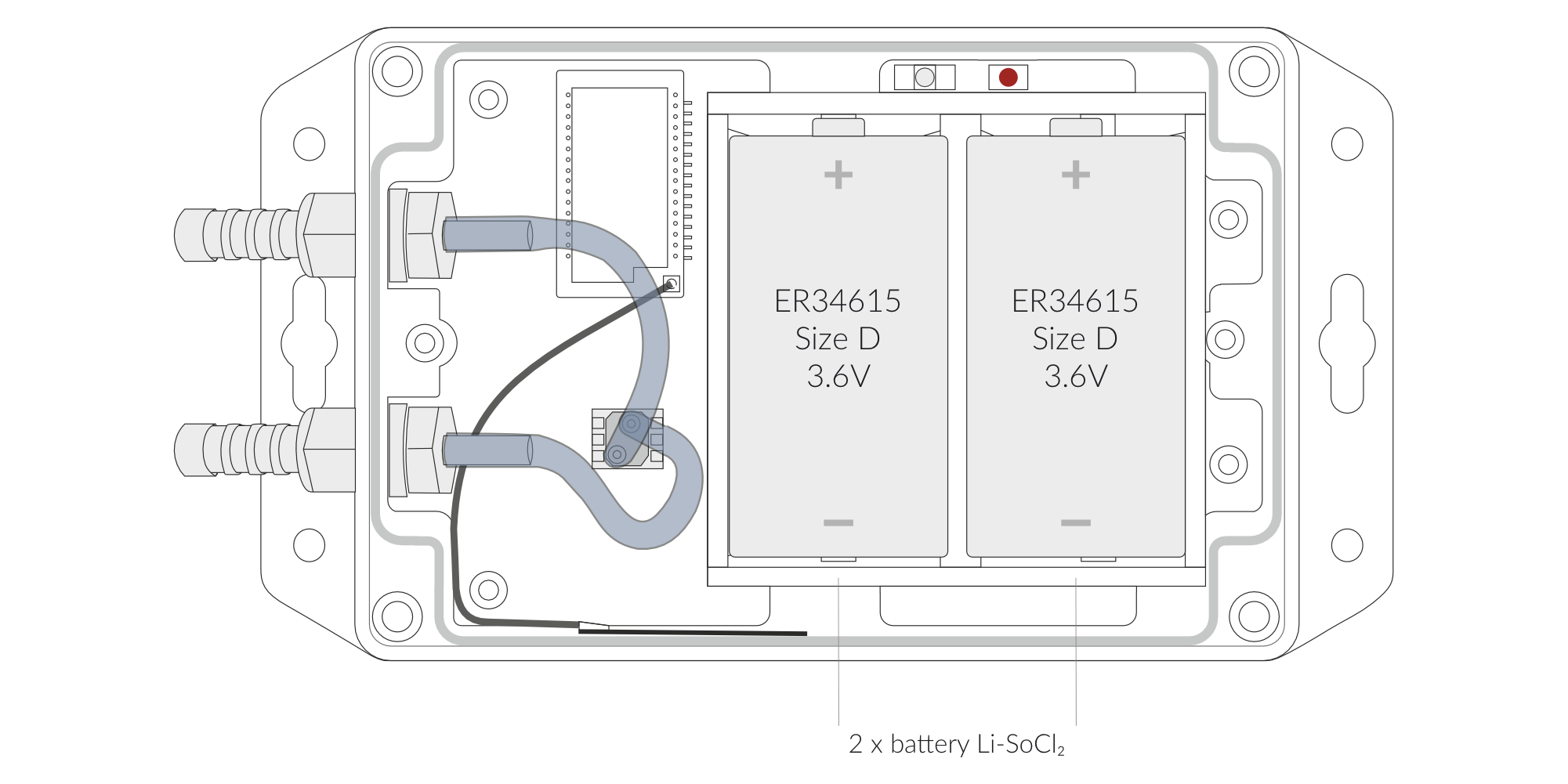
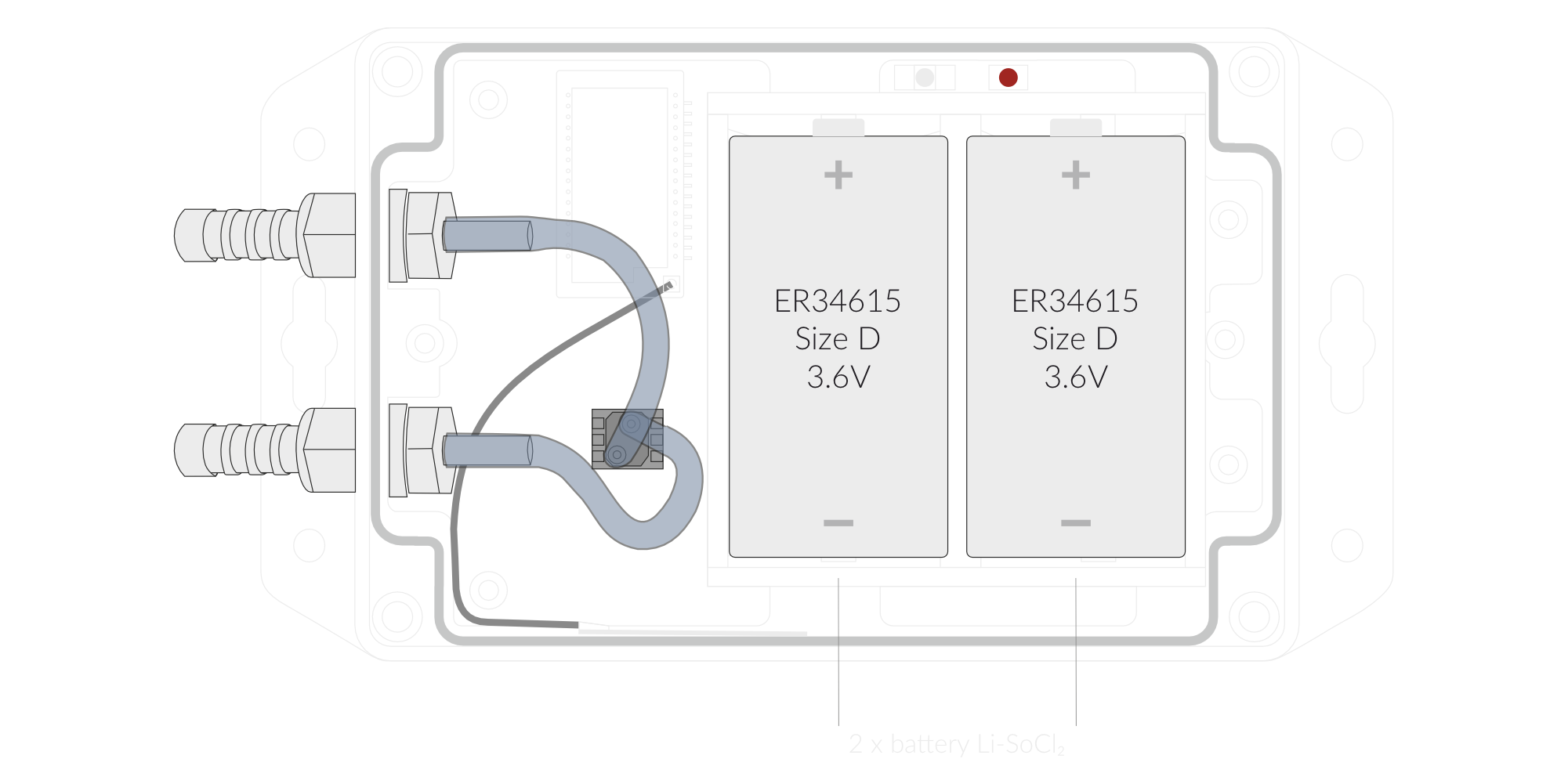
Figure 8. Battery Placement
- Screw the device back together.
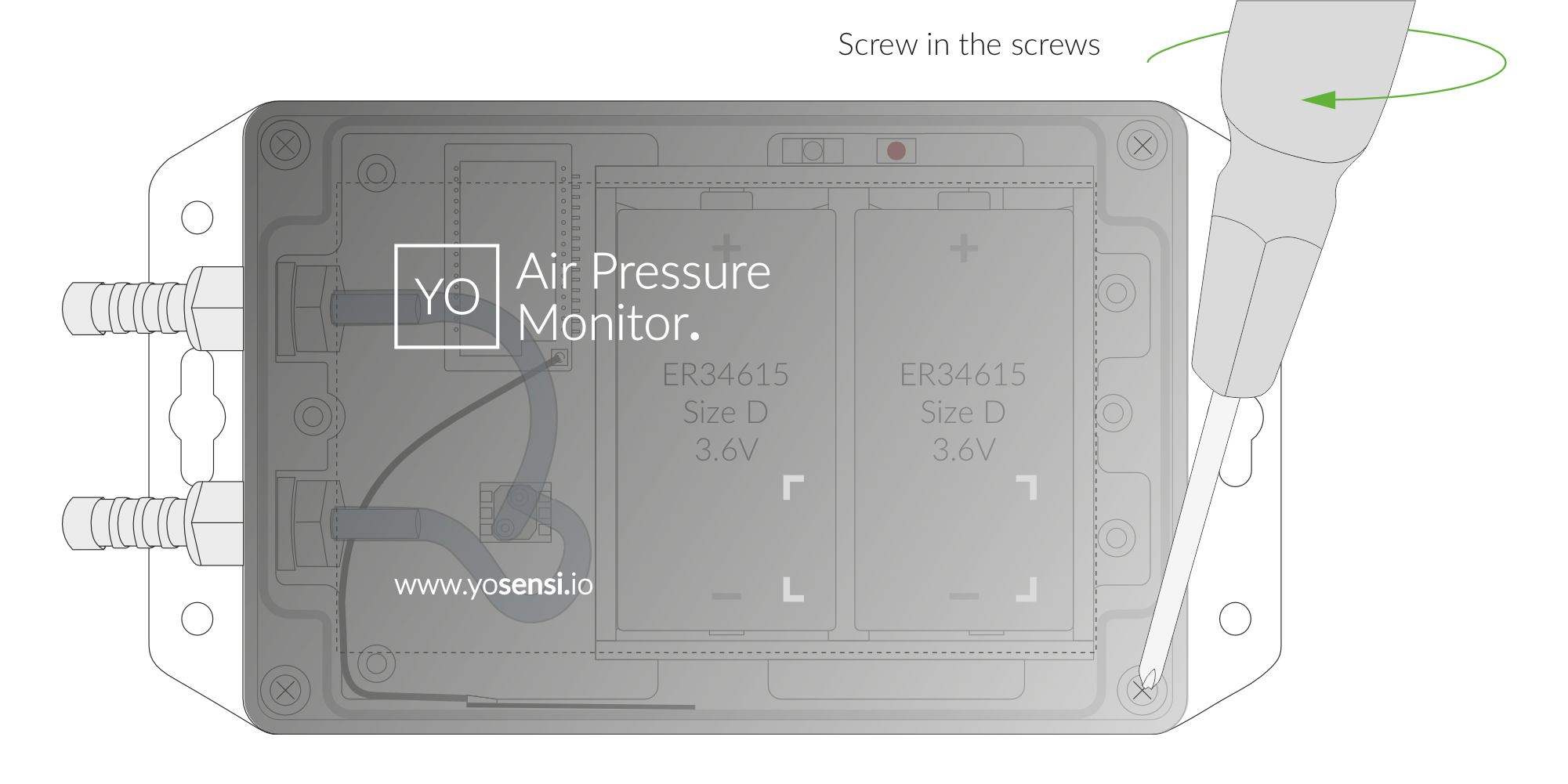
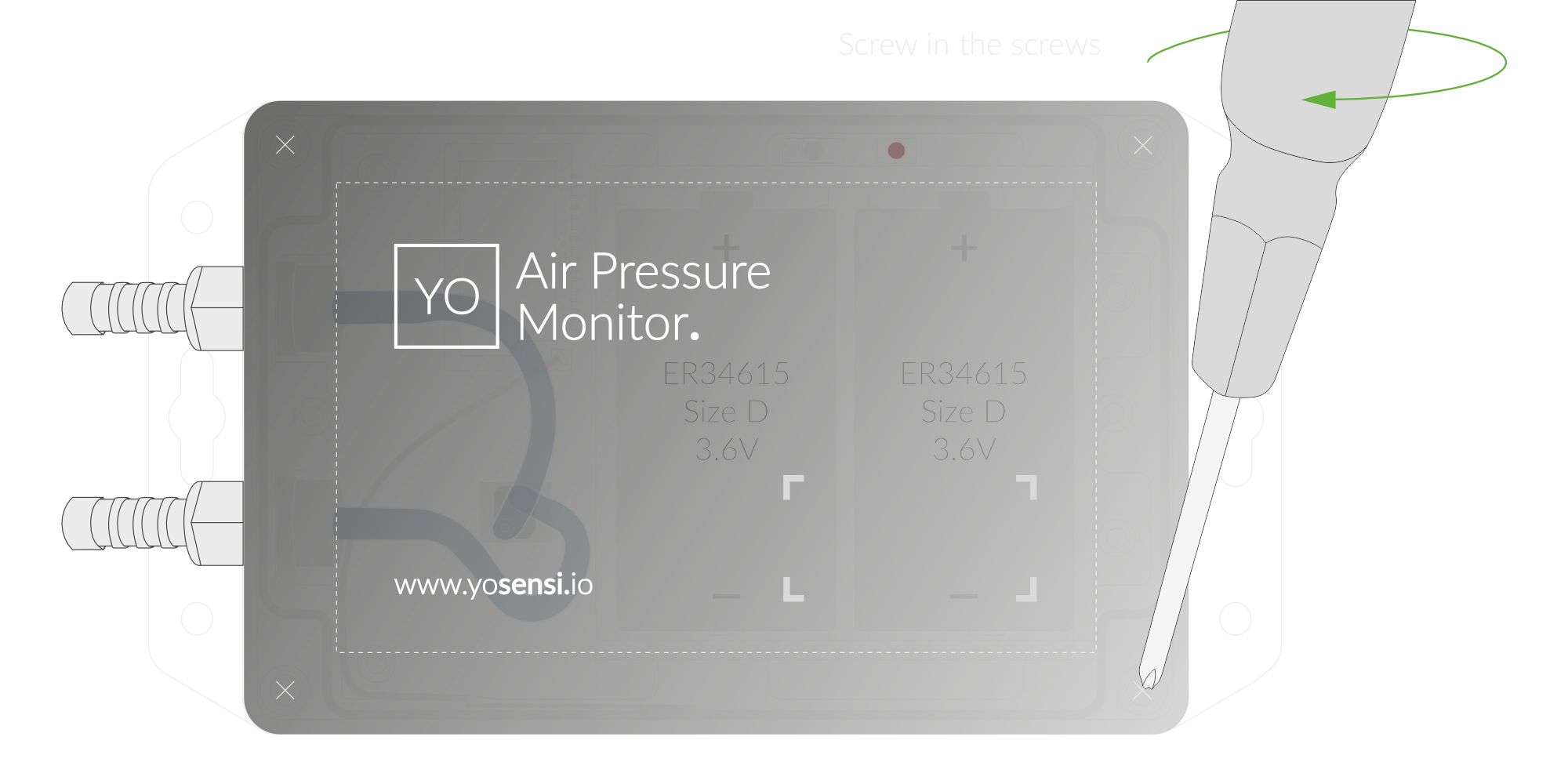
Figure 9. Screw the device back together
Configuration
Configurable Parameters
A few parameters must be set before sending data to the gateway. The default firmware is configured in OTAA mode with predefined deveui, appkey (OTAA) and appskey, nwkskey (ABP).
Configuration of the device is stored in a JSON file divided into the following sections:
- info (generic, read only): information about the device,
- general (generic): general device settings,
- lorawan (generic): configuration data for LoRaWAN connection,
- ble (generic): bluetooth settings,
- device (dynamic): individual configuration for a specific device (this section’s structure differs for each device),
Sample configuration file for the YO Air Pressure Monitor device.
{
	"info": {
		"fwver": "1.0.0",
		"devmodel": "LNAM",
		"loraradio": "SX1261",
		"blemacaddr": "0123456789ab",
		"loraregion": "EU868",
		"lorawanver": "1.0.2"
  	},
	"general": {
		"rtcstate": "disable"
	},
	"lorawan": {
		"abp": {
			"appskey": "000102030405060708090a0b0c0d0e0f",
			"devaddr": "01234567",
			"nwkskey": "0123456789abcdef0123456789abcdef"
    	},
    	"otaa": {
			"appeui": "be7a000000000688",
			"appkey": "000102030405060708090a0b0c0d0e0f",
			"deveui": "0123456789abcdef",
			"trials": 3
    	},
		"acttype": "otaa",
		"nwktype": "public",
		"subband": 1,
		"retrycnt": 1,
  	},
	"ble": {
		"power": 0,
		"interval": 1600
  	},
	"device": {
		"range": 2490.81,
		"velocity": {
			"kfactor": 0.855,
			"altitude": 0,
			"calculatevelocity": "enable"
		},
		"measinterval": 600
  	}
}
OTAA & ABP
| OTAA | ABP |
|---|---|
| Device EUI | Device Address |
| Application EUI | Network Session Key |
| Application Key | Application Session Key |
| Number of Trials |
Generic Parameters
Click here to see the generic parameters for Yosensi devices.
Parameters Description
| Name | Description | Possible Values | Default Value | Read/Write |
|---|---|---|---|---|
| measinterval | Measuring and sending interval LoRa [s] | 601-999999 | 3600 | R/W |
| calculatevelocity | Enables calculation of air velocity or flow from differential pressure readings | enable/disable | disable | R/W |
| kfactor | Flow coefficient used to convert differential pressure into airflow/velocity. Specific to the installed fan or probe | 0.8 - 1.2 | 0.855 | R/W |
| altitude | Altitude correction for accurate velocity calculation (air density) [m] | 0 - 2000 | 0 | R/W |
| range | Maximum expected pressure range [Pa] | 490 - 400000 | 2490.89 | R/W |
| ||||
Parameters description
- rtcstate: used for enabling/disabling the real-time clock (RTC) inside the device. The RTC is used for timestamping the measurements.
- nwktype: used for setting the device in public or private network type.
- acttype: used for setting the device in ABP or OTAA mode.
- deveui, … , appskey: predefined addresses and keys, these parameters are generated using multiple IDs specific to the particular MCU and are unique for each device. They can be changed if needed.
- interval: determines the interval of sending broadcast packets, used to connect to every BLE receiver around the device.
- subband: used for setting the communication frequency sub-band in LoRaWAN.
- retrycnt: number of retries to send a LoRa packet if the acknowledgement is not received from the LoRaWAN server.
- measinterval: measurement interval [s] between sending LoRa packets.
- calculatevelocity: Enables the conversion of differential pressure readings to air velocity.
- kfactor: Calibration coefficient (often from a fan or probe datasheet) for accurate airflow calculations.
- altitude: The device's elevation above sea level [m] to correct for air density in velocity calculations.
- range: Defines the maximum expected measurement scale, typically in Pascals [Pa].
Downlink message
You can remotely adjust certain parameters by sending a downlink message through our platform. Simply navigate to the "COMMANDS" section for the selected device.
Update Measurement Interval
It is possible to change the measurement interval (measinterval) by using downlink. Information about changing the parameter will be sent from the server via the gateway.
Example of Downlink Message:
- Prefix:
0x03 - Measurement Index:
0x00 - Data (up to 4 bytes in hex):
0x0258
Sample Downlink: 0x03000258 - Sets a measurement interval of 600 seconds (10 minutes).
Click here to see how to connect a node using the Yosensi Management Platform.
See how to configure a node in Yosensi Management Platform
Check how to adopt and configure a node via the Yosensi App.
Take a look at the list of frequency plans used in Yosensi.
This datasheet describes the payload protocol developed by Yosensi for communicating with our devices.
Payload Decoder
If you want to connect to your own server, it is necessary to decode the specific payload for each device. To accomplish this, a payload decoder is required, which can be downloaded using the following link: Payload decoder. You can also use our integrated Payload Decoder here. Extended documentation of the protocol can be found in the Payload description on our website.