YO Ambience
Overview
Description
YO Ambience is a compact indoor monitoring device designed to measure temperature, humidity, illuminance, and CO₂ levels. Equipped with an infrared presence sensor and an advanced occupancy counter algorithm, it tracks room occupancy by counting people entering and exiting. Ideal for offices, stores, classrooms, hospitals, and similar spaces, YO Ambience provides valuable insights into indoor conditions and occupancy, helping to optimize comfort, productivity, and well-being. This wireless, battery-operated device ensures effortless installation and seamless operation in any environment.
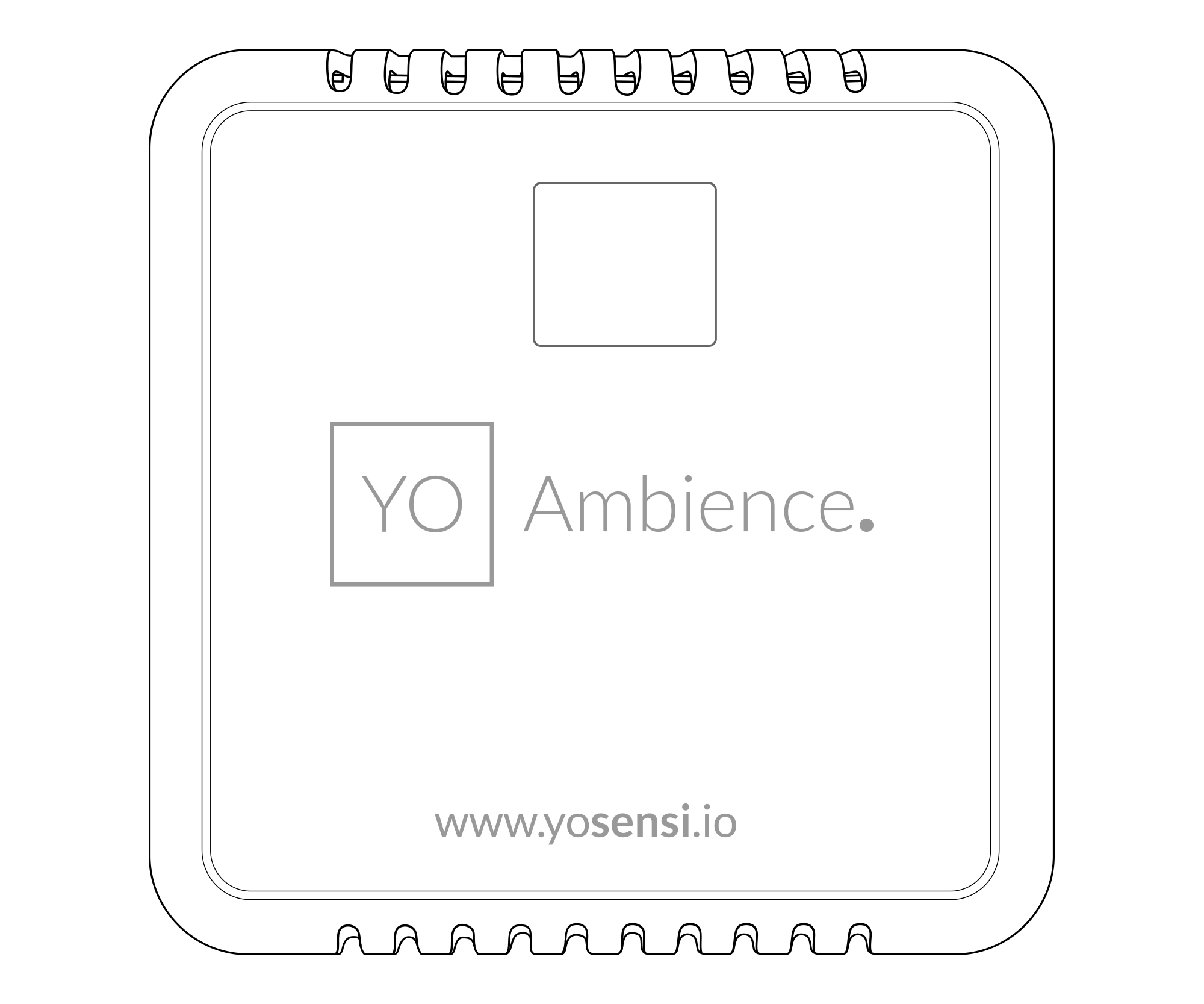
Figure 1. Device top view
Device sticker placed on the right side of the device enclosure contains information about model, version, LoRaWAN region and 3 parameters important in case of device identification and configuration:
- DEV EUI: 64-bit unique device identifier in a LoRaWAN network,
- DEV ADDR: address required to connect via ABP activation type to LoRaWAN,
- BLE MAC: Bluetooth physical address.
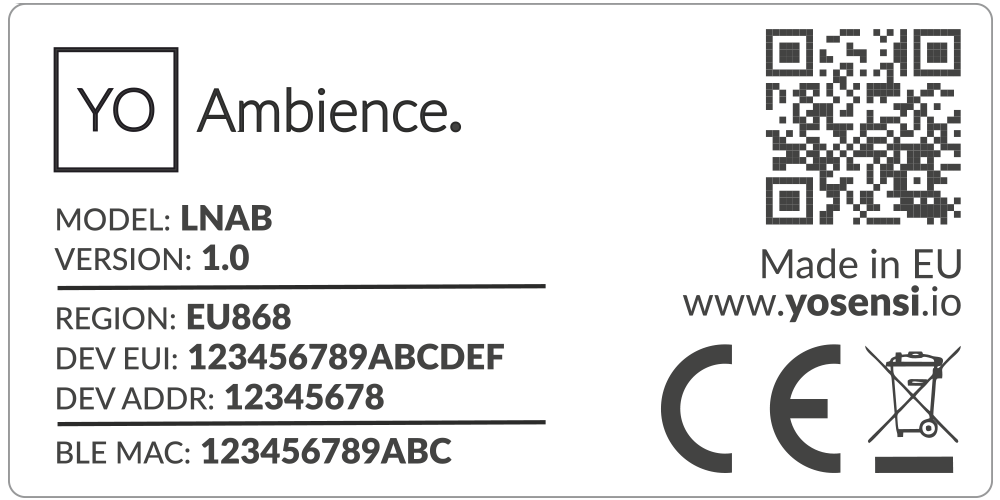
Figure 2. Device sticker
Features
- LoRaWAN Technology: Available in multiple versions with LoRa radio configured for various regions and ISM frequency bands (e.g., EU868, US915, AU915), it is compatible with both private and public LoRaWAN networks and supports connections via ABP (Activation by Personalization) or OTAA (Over-The-Air Activation).
- Bluetooth Low Energy (BLE): Enables easy configuration through a user-friendly JSON data exchange format, supports firmware updates via OTA (Over-the-Air), and boasts very low energy consumption.
- Battery-Powered: 3x AA lithium batteries featuring very low self-discharge, ensuring long-term operation without the need for an external power supply.
- Temperature and Relative Humidity: Measures temperature and relative humidity within the device enclosure, providing valuable insights into the surrounding environment.
- Illuminance: Equipped with a sensor to measure light intensity, ensuring the room has adequate lighting levels.
- CO2: Tracks CO2 levels to ensure a healthy indoor environment, helping to prevent reduced concentration and increased heart rate caused by elevated levels.
- Infrared occupancy: Features an infrared motion sensor with a built-in occupancy counter to track the number of people entering or exiting a room.
- Yosensi Management Platform: Provides a web tool for device configuration, firmware updates, and infrastructure management. Enables comprehensive monitoring of transmitted data and easy device management.
- Yosensi Mobile App: Effortlessly manage devices with features to register new ones, configure settings, perform firmware updates, view/send logs, and test LoRaWAN connectivity. Learn more in our detailed Yosensi App blog post.
Specifications
Physical
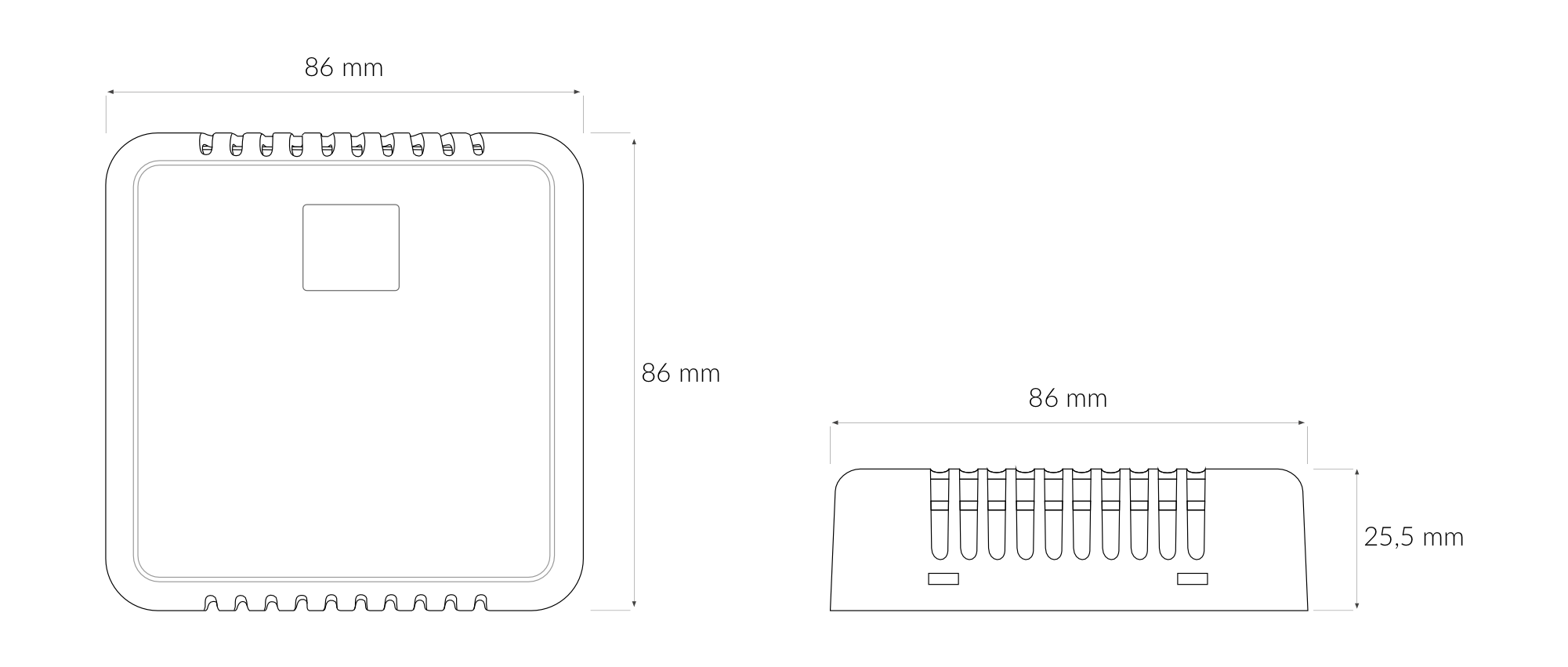
Figure 3. Dimensions of the device
Device
| Attribute | Description |
|---|---|
| Dimensions | Height: 25.5 mm Width: 86 mm Depth: 86 mm |
| Colour | White |
| Mounting method | Horizontal Vertical (can be screwed to the wall) |
| Enclosure material | ABS |
| Level of protection | IP40, UL94-V0 |
| Weight | 82.5 g (without batteries) |
Operating Conditions
| Attribute | Description |
|---|---|
| Temperature | 0°C to 70°C |
| Humidity | 0 to 90% |
| Placement | Indoor use |
| Power supply | 3 x LR6 (AA) battery (3 x 1.5 V) |
| Power consumption | Maximum: 120 mA DC (4.5 V DC) |
Measured Values
| Parameter | Measurement range | Accuracy |
|---|---|---|
| Temperature (internal) | -40°C to 125°C | ±0.2°C (5°C to 60°C) |
| Relative humidity (internal) | 0% to 100% | ±2% (20% to 80%) |
| CO2 | 0 to 40.000 ppm | ±(40 ppm+5%) 400 ppm to 5000 ppm |
| Recommended working conditions: -10°C to 60°C | ||
| Illuminance | 0 to 120 klx | ±10% at 25°C |
| Infrared presence sensor | 0 to 6 metres, 80° field of view | 99% |
Controls and Indicators
LED Status Indicator
YO Ambience communicates its current behaviour to the user by RGBW LED placed on the side.
Diode statuses interpretation
| Behavior | Colour | Status |
|---|---|---|
| Single flash | Green | General: device is working correctly (power and memory). |
| Single flash | Red | General: device is working incorrectly (power and memory). LoRaWAN communication: failed to receive an acknowledgement from LoRaWAN Server within specified timeout. |
| Single flash | White | LoRaWAN communication: LoRaWAN frame sent / confirmation from LoRaWAN Server after receiving the frame. |
| Slow flashing | Blue | BLE communication: connection to the device via BLE (configuration). |
| Rapid flashing | Blue | LoRaWAN communication: connecting to LoRaWAN network. |
Buttons
The YO Ambience has a button for resetting the device. Figure 4 shows its placement. To reboot the device, press the reset button for a moment.
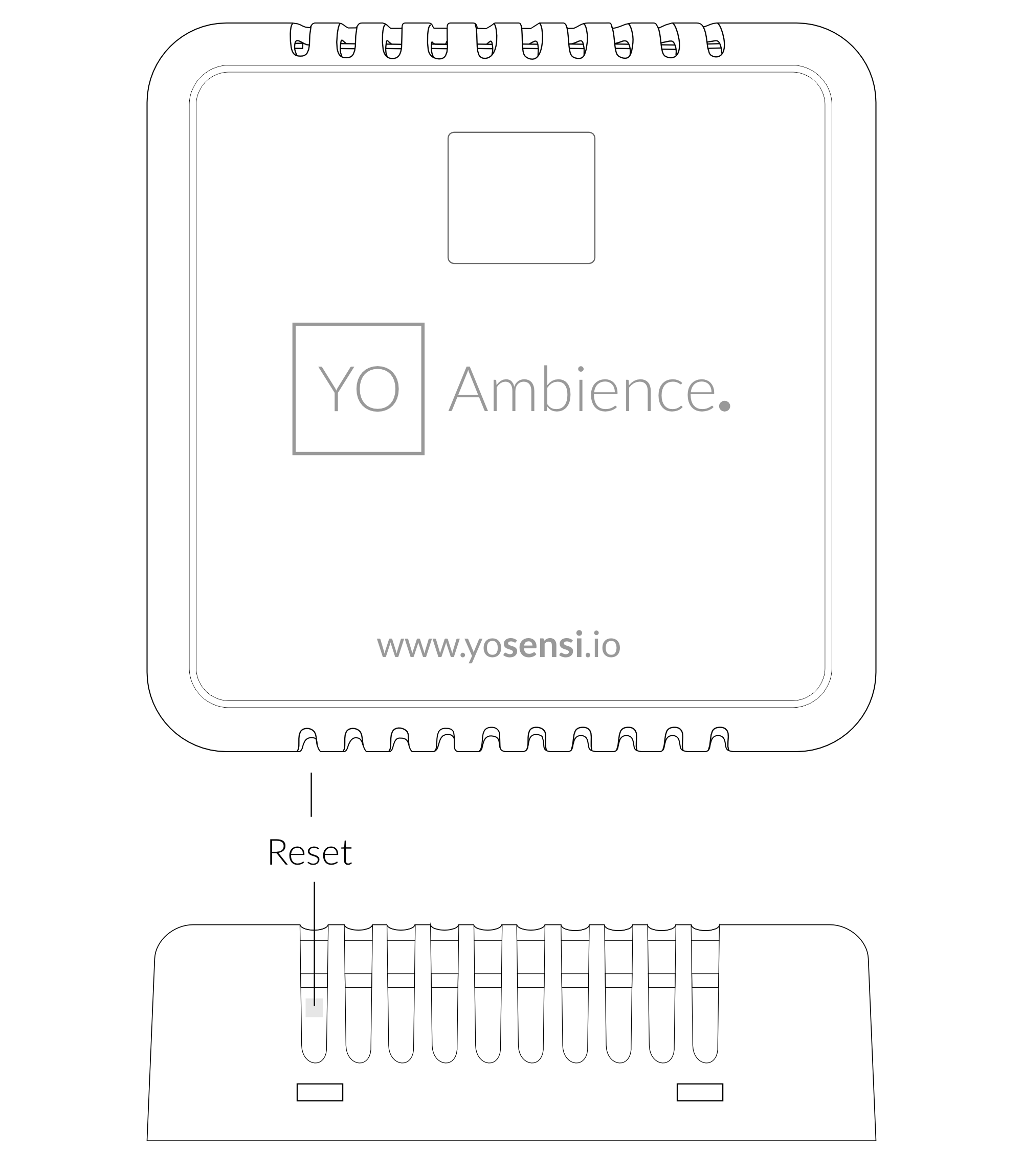
Figure 4. Reset button
Installation
Package Contents
- Device (without batteries).
- Warranty card.
Safety Precautions
Go to the Safety Precautions section to see important information on handling, disposal and maintenance.
Installation Guide
- To open the enclosure, pry off the lower part.
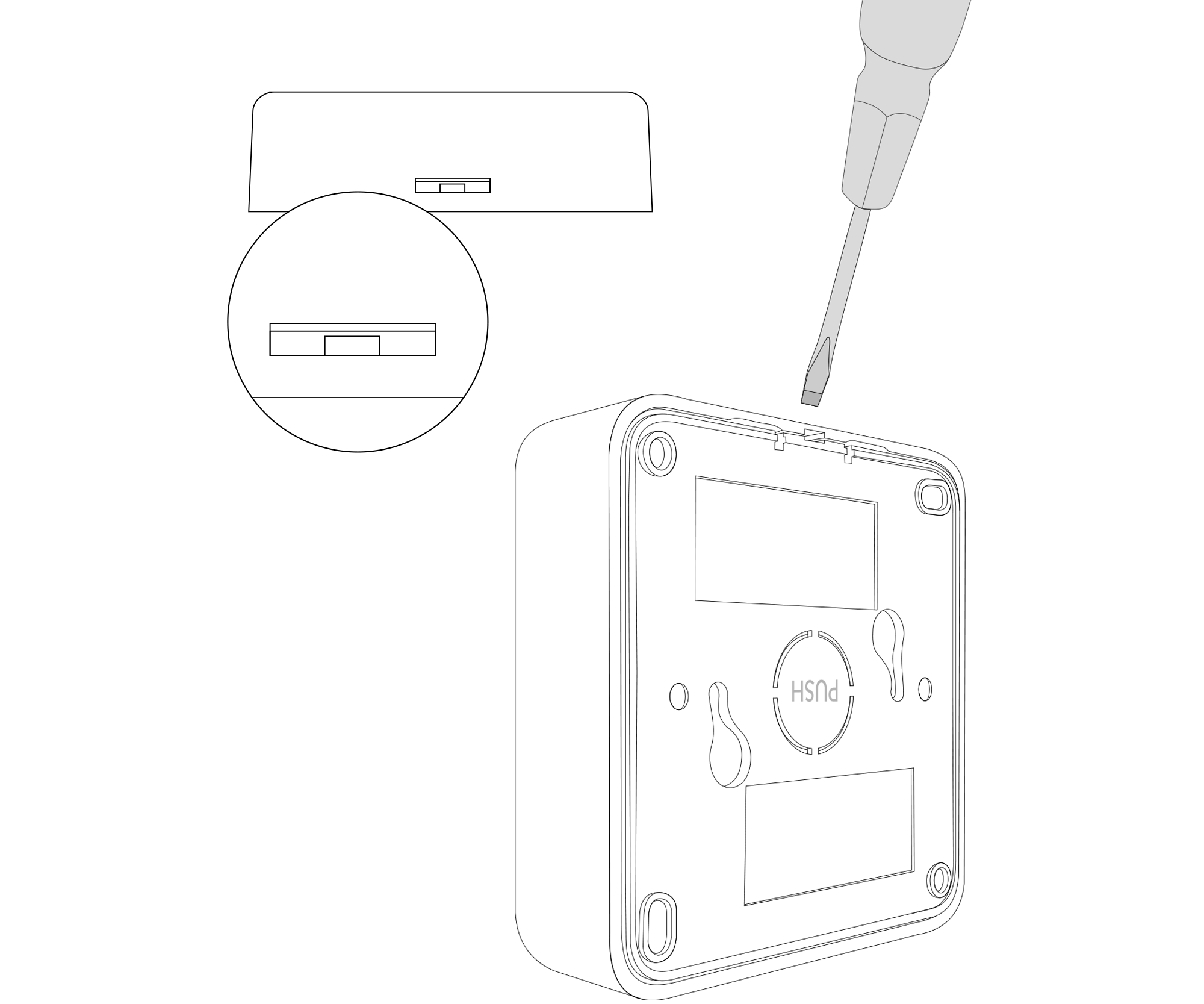
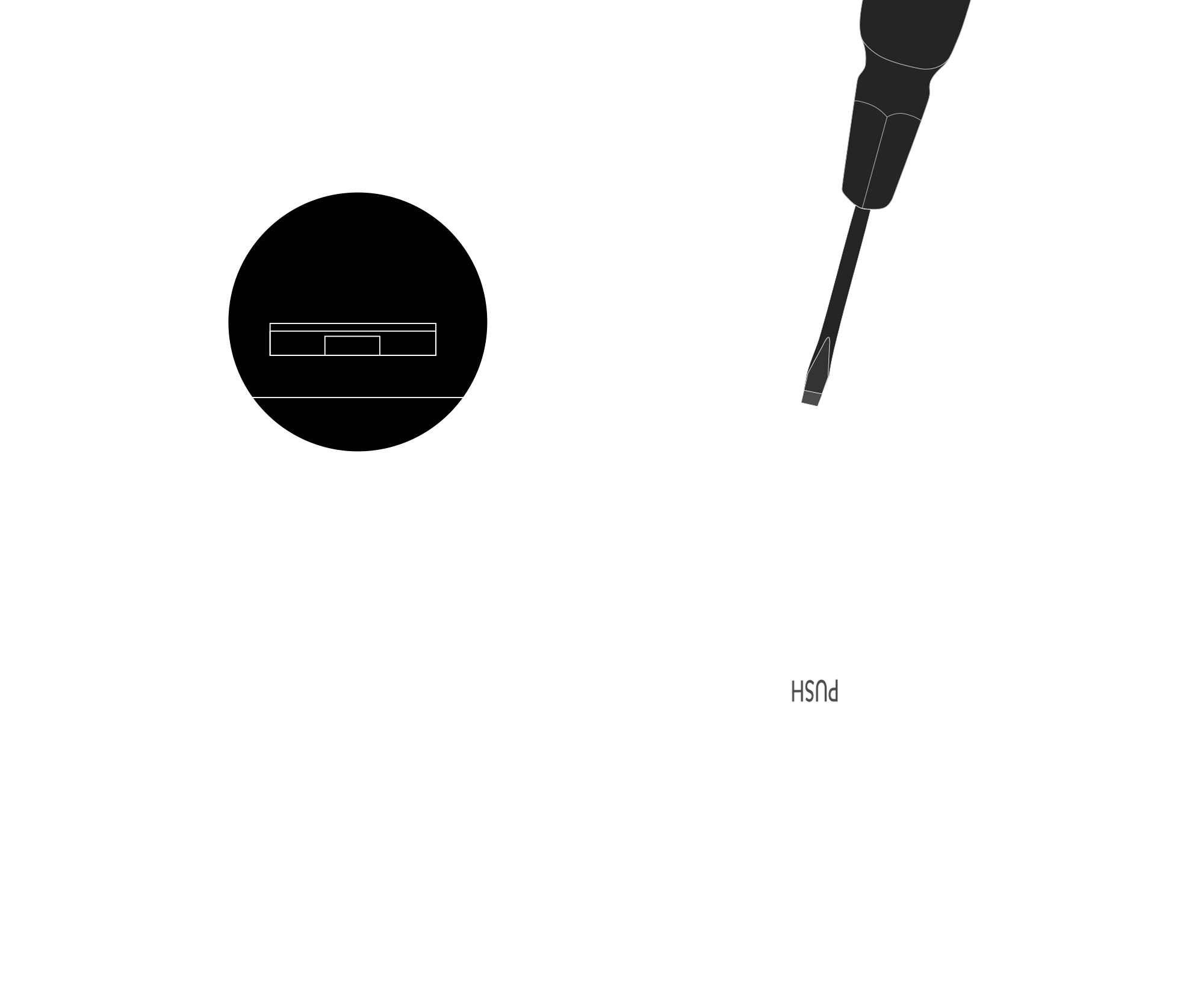
Figure 5. Device opening instructions
- Place three LR6 batteries in the device according to the polarity indicated on the battery holder.
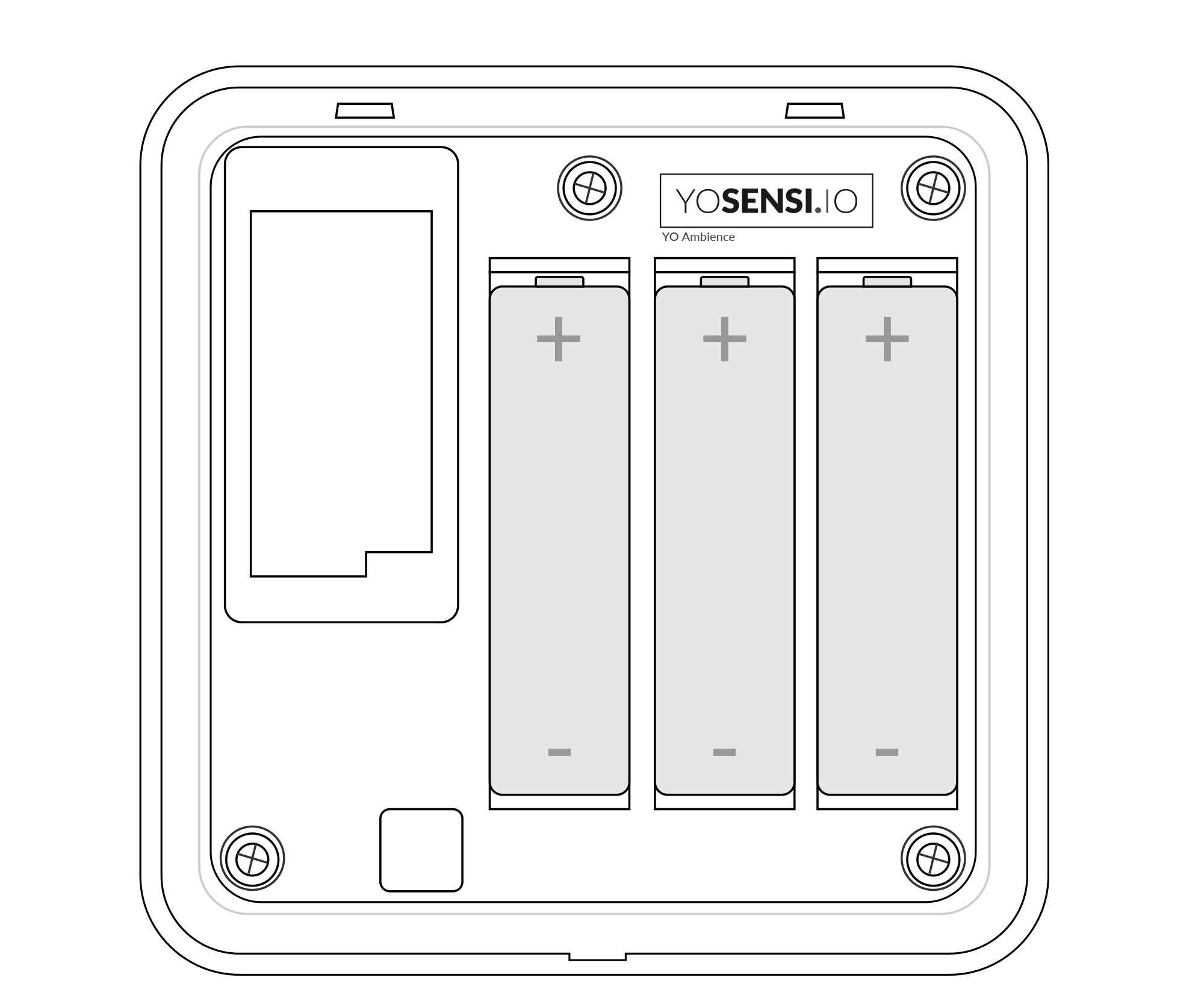
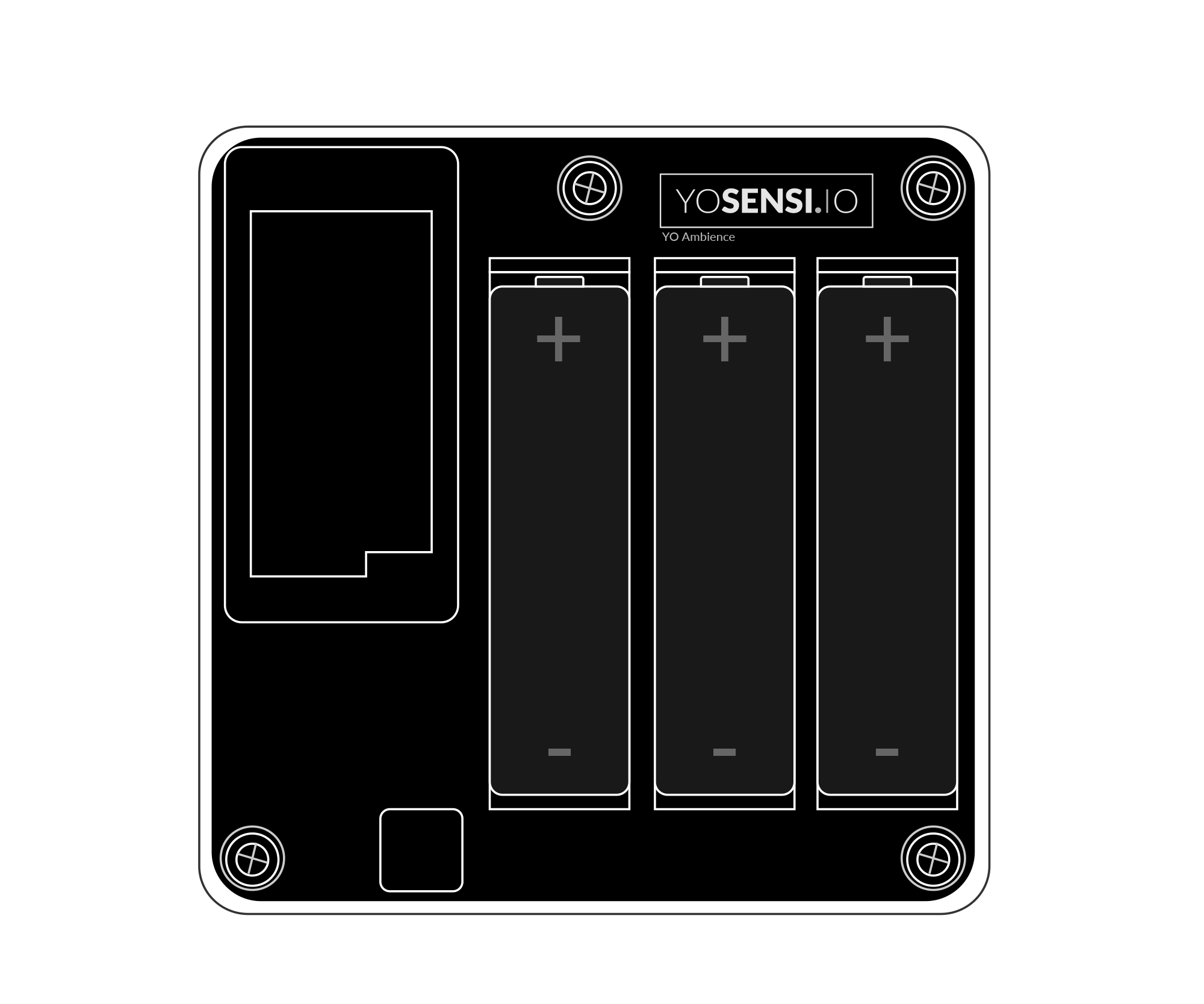
Figure 6. Device with placed batteries
-
There are two ways to mount the device on a wall.
- A. Install the bottom part of the enclosure and mount four screws in each corner to the wall.
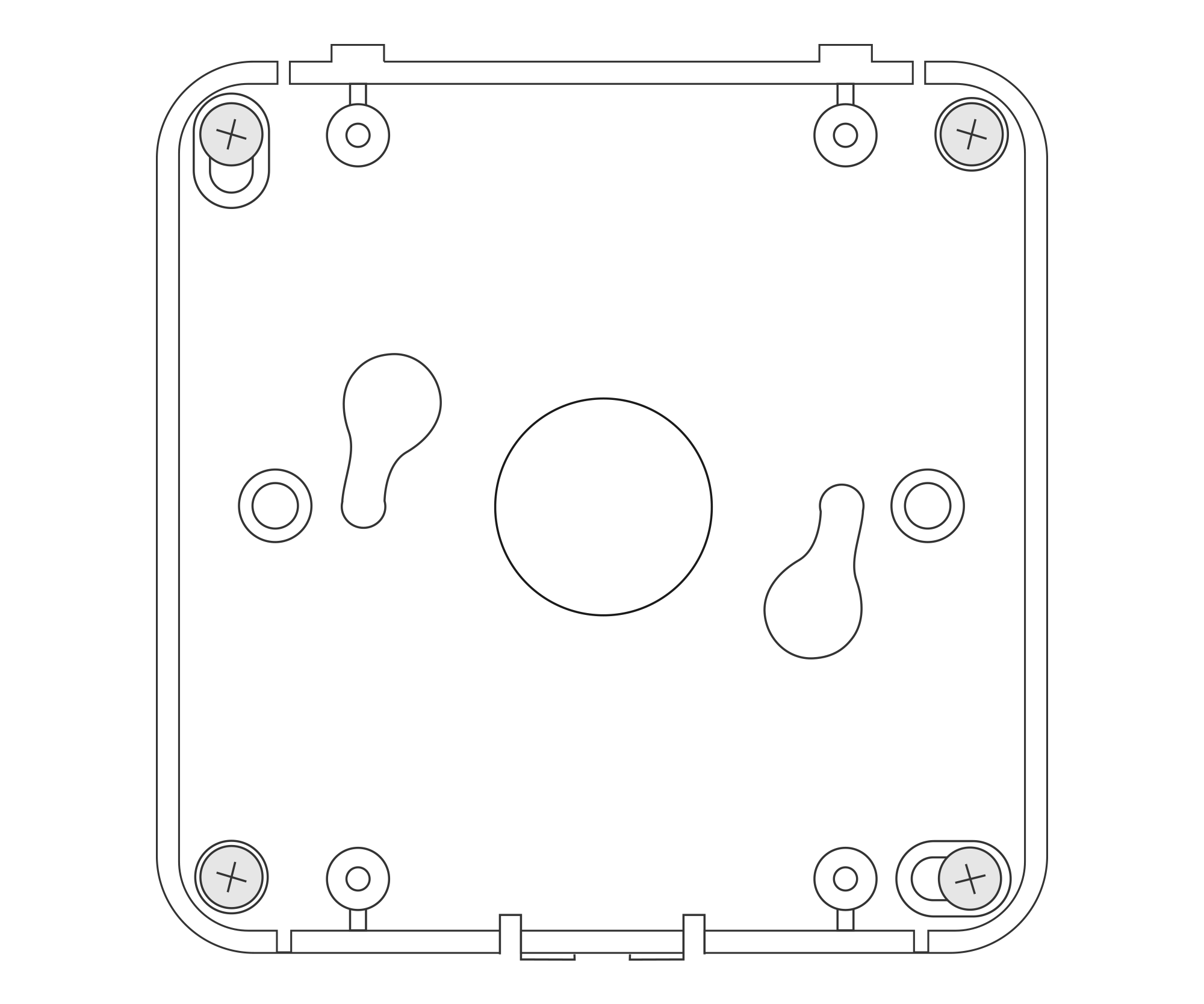
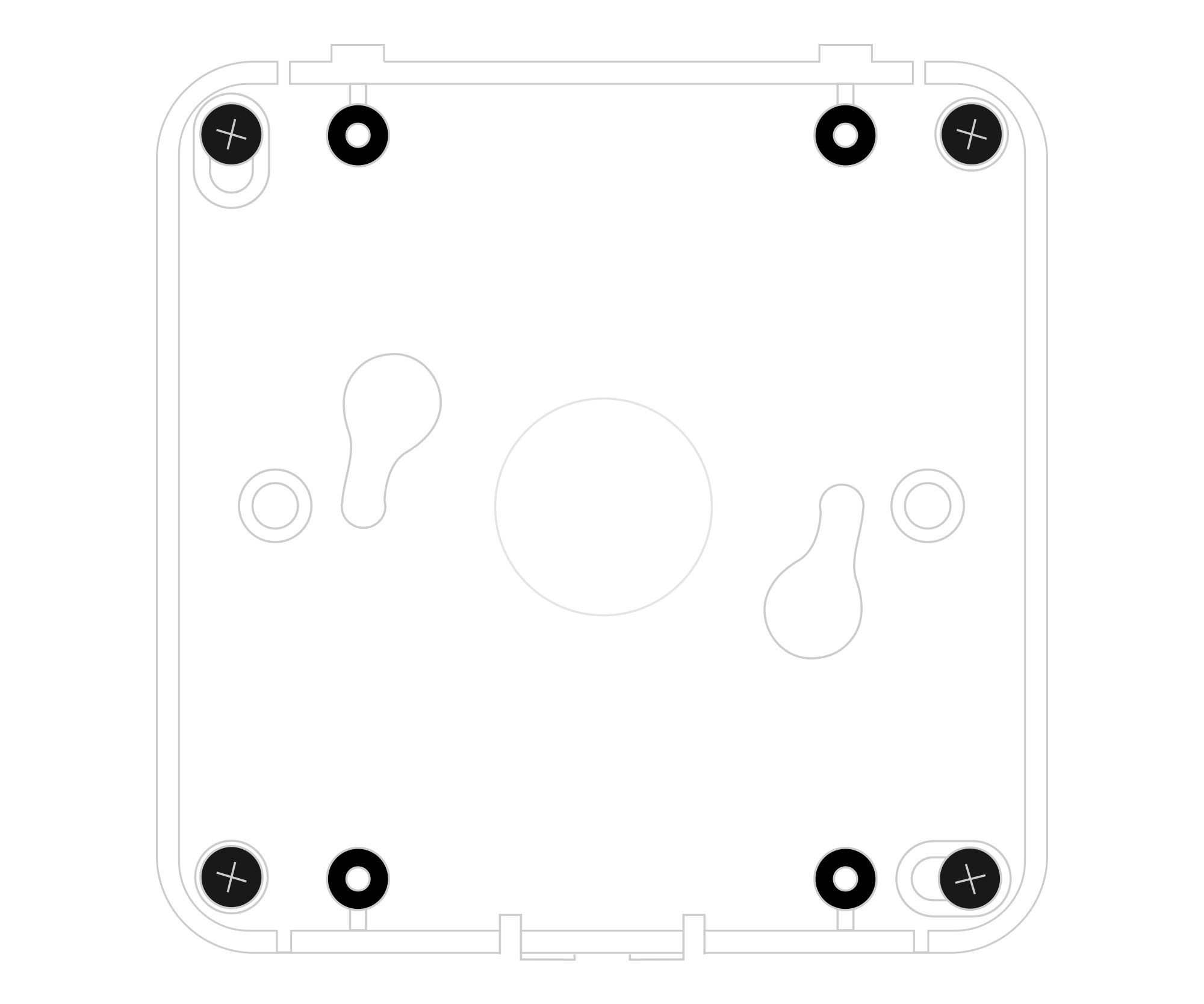
Figure 7. Mounting the device using four screws
- B. Fit two mounting screws into the centre of the bottom case. Then, angle the bottom of the enclosure and turn it clockwise.
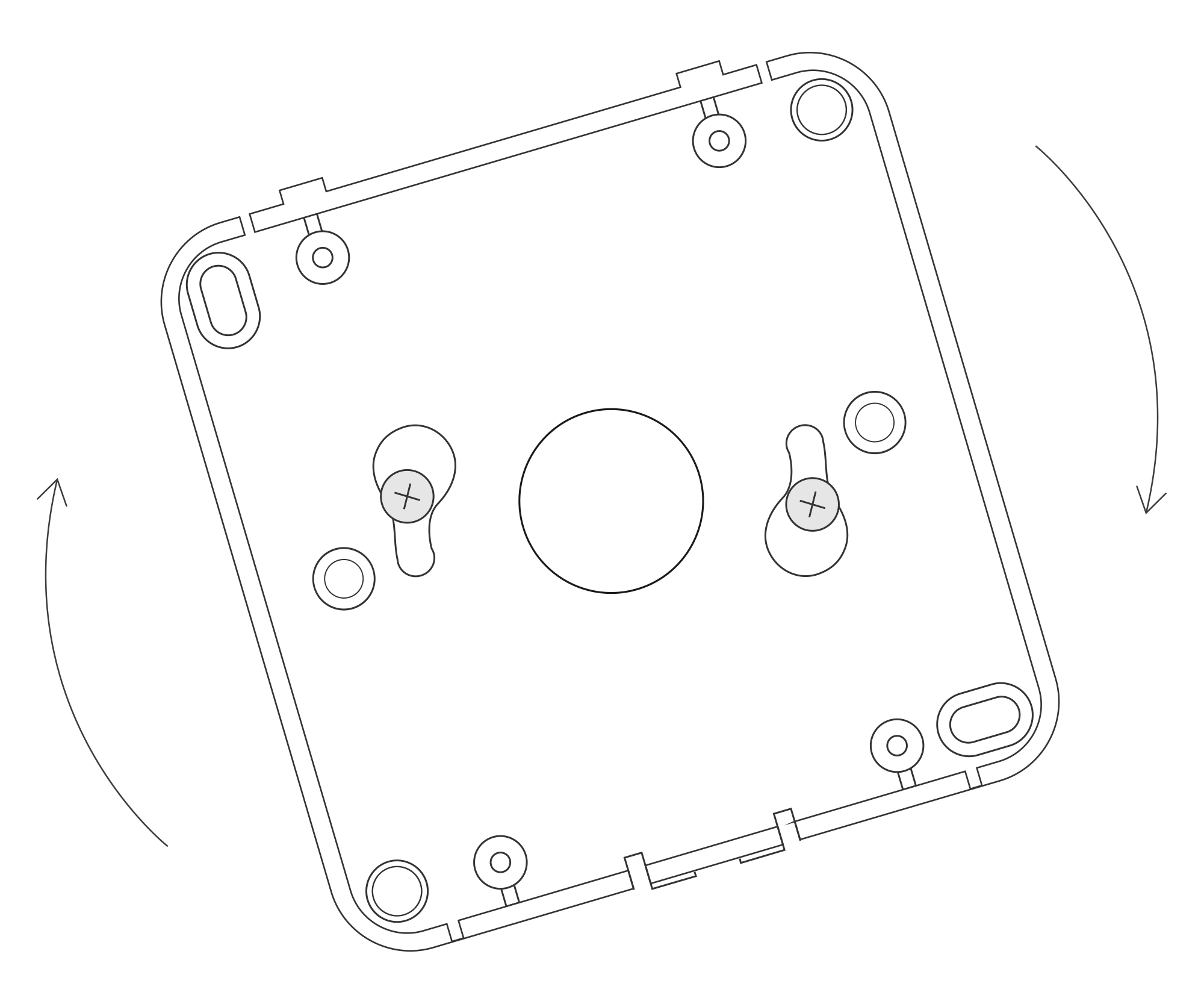
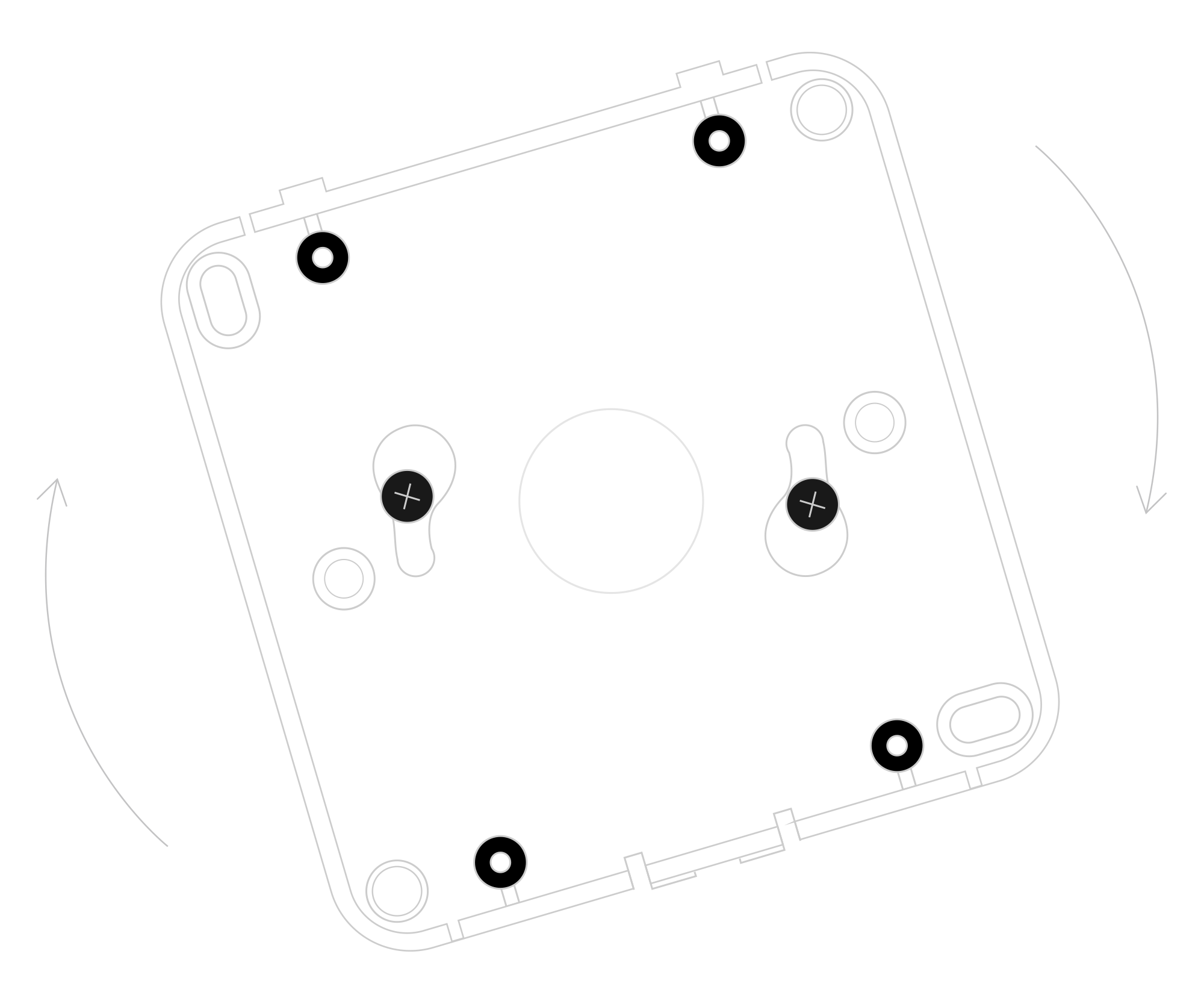
Figure 8. Mounting the device using two screws at an angle
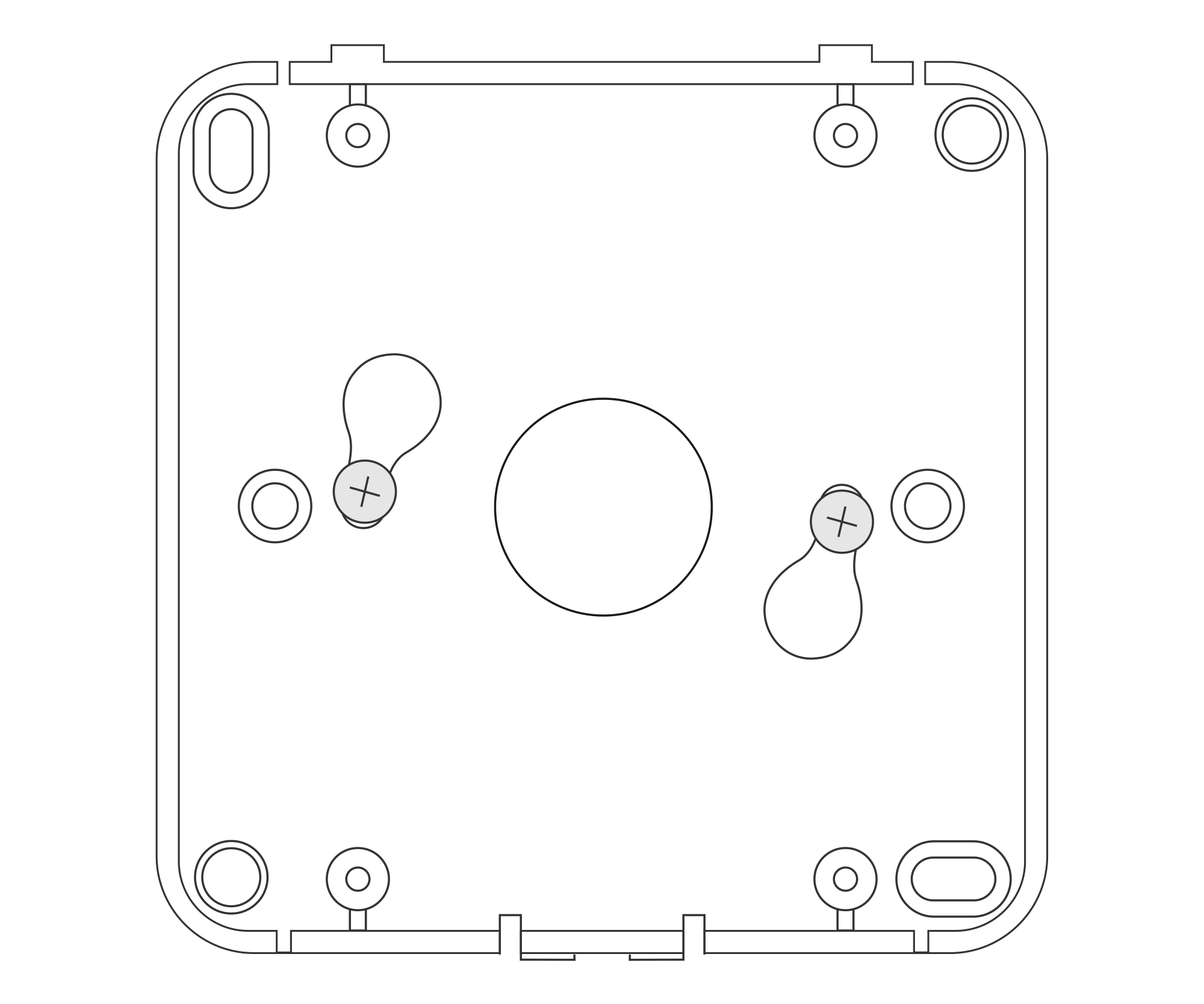
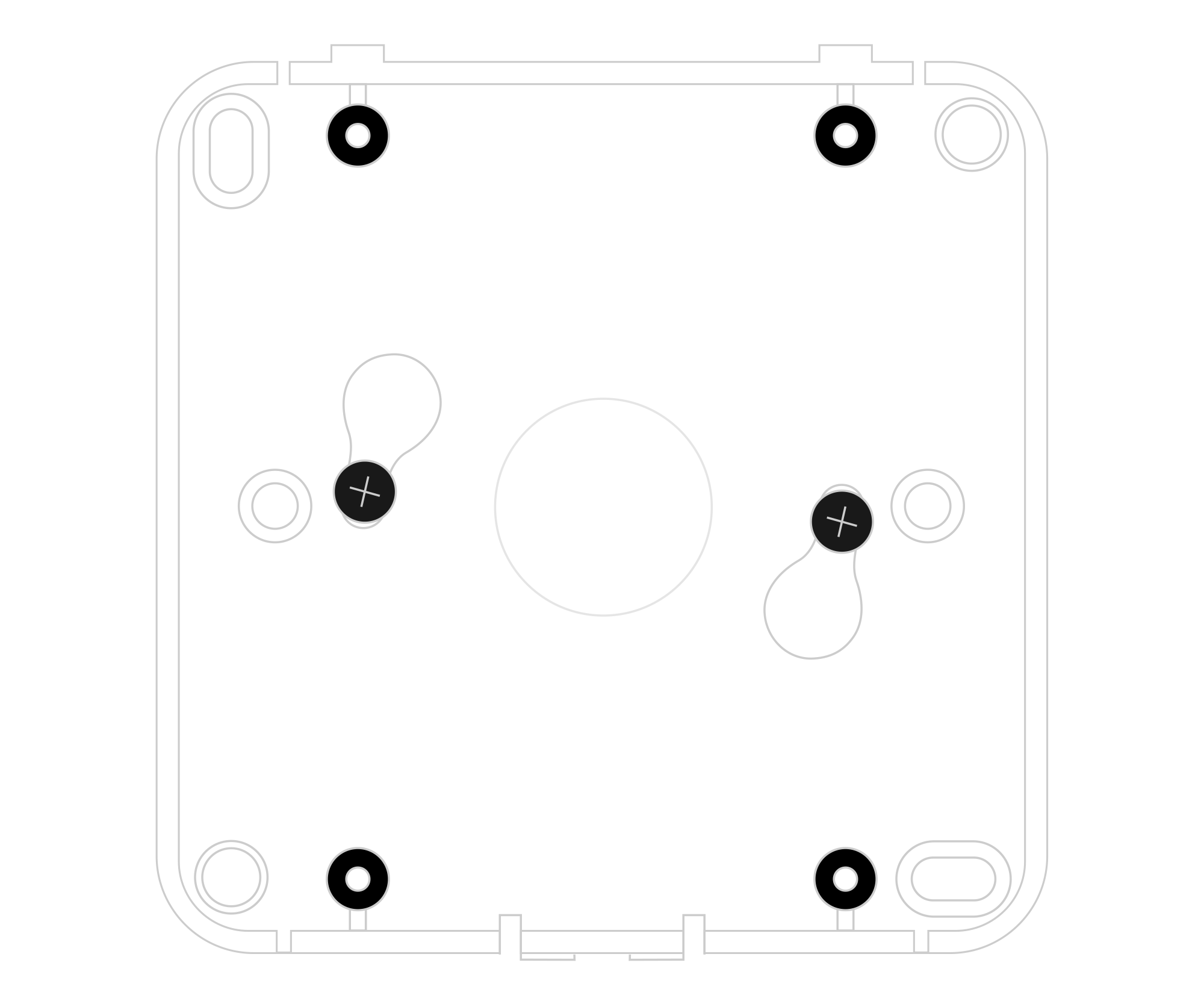
Figure 9. Mounting the device using two screws after a clockwise turn
- A. Install the bottom part of the enclosure and mount four screws in each corner to the wall.
-
Place the upper part of the device enclosure on the bottom part mounted on a wall.
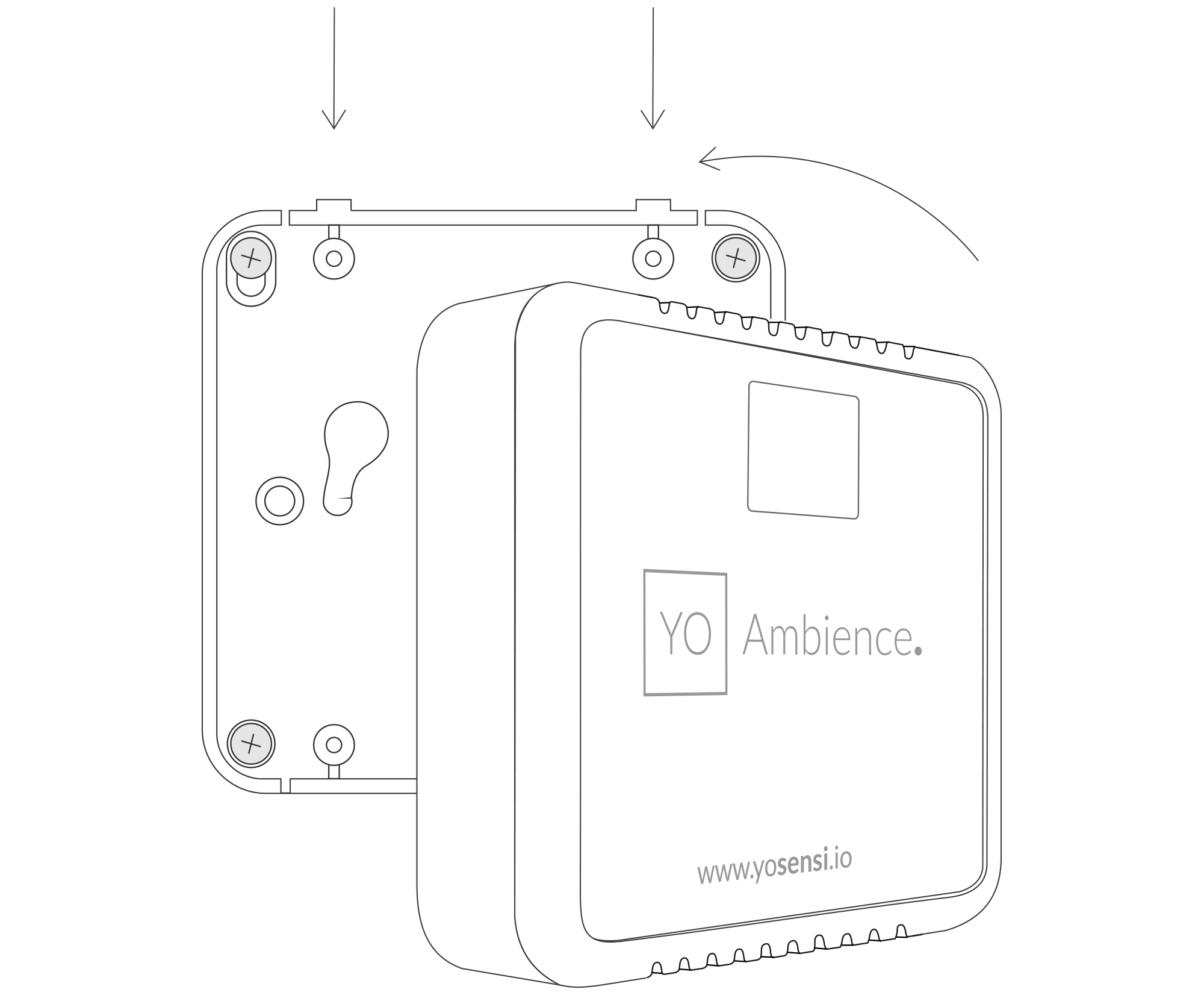
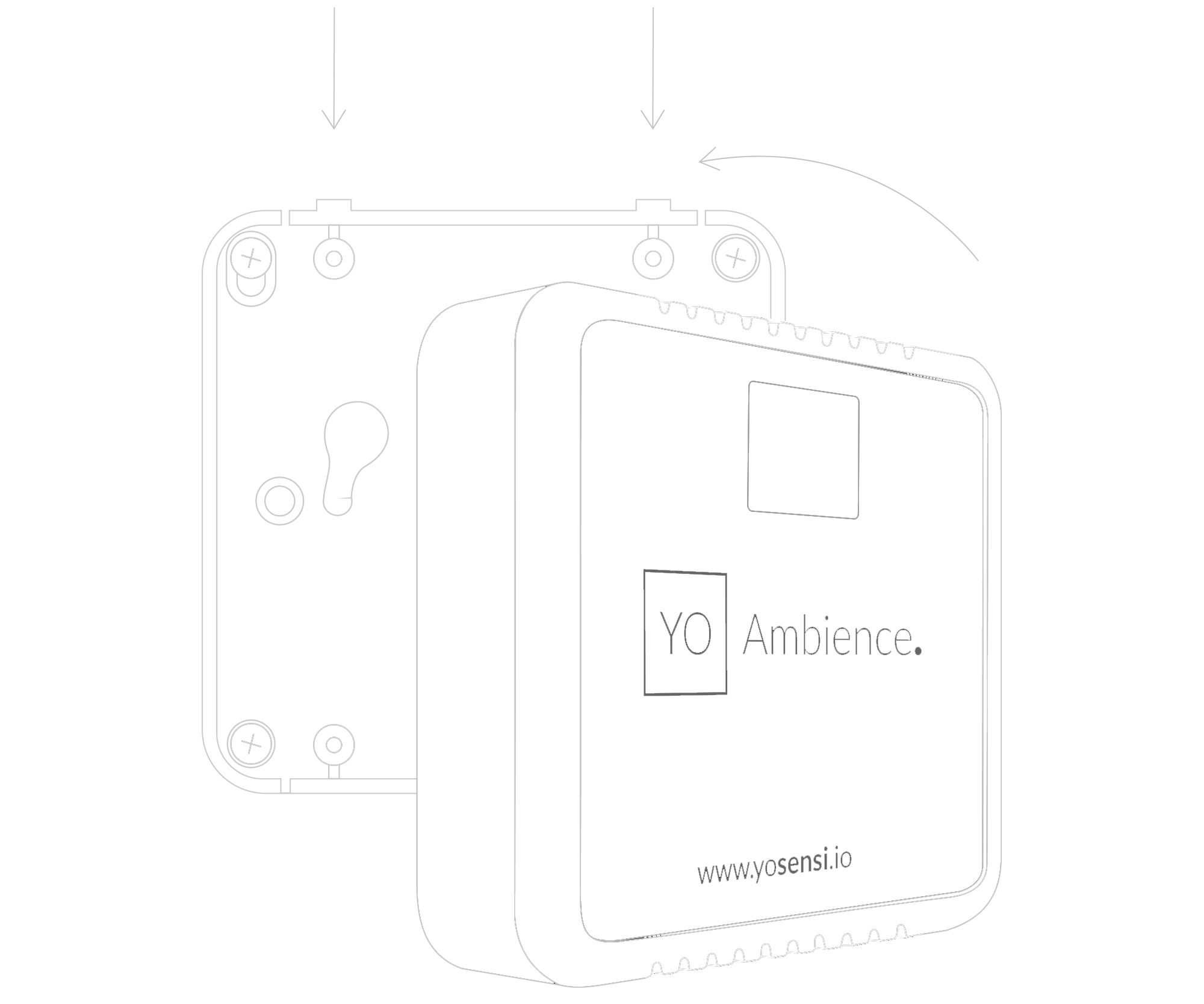
Figure 10. Placing device on the wall
Configuration
Configurable Parameters
A few parameters must be set before sending data to the gateway. The default firmware is configured in OTAA mode with predefined deveui, appkey (OTAA) and appskey, nwkskey (ABP).
Configuration of the device is stored in a JSON file divided into the following sections:
- info (generic, read only): information about the device,
- lorawan (generic): configuration data for LoRaWAN connection,
- ble (generic): Bluetooth settings,
- device (dynamic): individual configuration for a specific device (this section’s structure differs for each device),
Sample configuration file for the YO Ambience device.
{
	"info": {
		"devmodel": "LNAB",
		"fwver": "3.6.8",
		"loraradio": "SX1261",
		"lorawanver": "1.0.2",
		"loraregion": "EU868",
		"blemacaddr": "0123456789ab"
	},
	"lorawan": {
		"subband": 1,
		"nwktype": "public",
		"acttype": "otaa",
		"otaa": {
			"deveui": "0123456789abcdef",
			"appeui": "fedcba9876543210",
			"appkey": "000102030405060708090a0b0c0d0e0f",
			"trials": 1
		},
		"abp": {
			"devaddr": "01234567",
			"nwkskey": "0123456789abcdef0123456789abcdef",
			"appskey": "000102030405060708090a0b0c0d0e0f"
	}
	},
	"ble": {
		"power": 0,
		"interval": 1000
	},
	"device": {
		"measinterval": 3600,
		"co2calibval": 1000,
		"tempoffset": 10,
		"illuminancecoeff": 5
	}
}
OTAA & ABP
| OTAA | ABP |
|---|---|
| Device EUI | Device Address |
| Application EUI | Network Session Key |
| Application Key | Application Session Key |
| Number of Trials |
Generic Parameters
Click here to see the generic parameters for Yosensi devices.
Parameters
Device Parameters
| Name | Description | Possible Values | Default Value | Read/Write |
|---|---|---|---|---|
| measinterval | Measuring and sending interval LoRa [s] | 601-999999 | 3600 | R/W |
| co2calibval | Calibration value of CO2 sensor | 0-9999 | 0 | R/W |
| tempoffset | Temperature offset in [°C] | -20.0-20.0 | 0 | R/W |
| iluminancecoeff | Illuminance coefficient | 0.0-10.0 | 1.6 | R/W |
| ||||
Parameters description
- nwktype: used for setting the device in public or private network type.
- acttype: used for setting the device in ABP or OTAA mode.
- deveui, … , appskey: predefined addresses and keys, these parameters are generated using multiple IDs specific to the particular MCU and are unique for each device. They can be changed if needed.
- interval: determines the interval of sending broadcast packets, used to connect to every BLE receiver around the device.
- subband: used for setting the communication frequency sub-band in LoRaWAN.
- measinterval: measurement interval [s] between sending LoRa packets.
- co2calibval: calibration value of the CO2 sensor. This parameter provides high initial and long-term accuracy. It enables the sensor to immediately restore the highest accuracy with the assistance of a CO2 reference value. This parameter is used if the measurement stability deviates. A value of 0 means that calibration is disabled.
- tempoffset: the offset value added to the temperature measurement.
- illuminancecoeff: parameter that tunes the illumination intensity sensor to account for the attenuation of the light beam travelling through the optical fibre. This parameter is predefined.
Downlink message
You can remotely adjust certain parameters by sending a downlink message through our platform. Simply navigate to the "COMMANDS" section for the selected device.
Update Measurement Interval
It is possible to change the measurement interval (measinterval) by using downlink. Information about changing the parameter will be sent from the server via the gateway.
Example of Downlink Message:
- Prefix:
0x03 - Measurement Index:
0x00 - Data (up to 4 bytes in hex):
0258
Sample Downlink: 0x03000258 - Sets a measurement interval of 600 seconds (10 minutes).
Click here to see how to connect a node using the Yosensi Management Platform.
See how to configure a node in Yosensi Management Platform
Check how to adopt and configure a node via the Yosensi App.
Take a look at the list of frequency plans used in Yosensi.
This datasheet describes the payload protocol developed by Yosensi for communicating with our devices.
Payload Decoder
If you want to connect to your own server, it is necessary to decode the specific payload for each device. To accomplish this, a payload decoder is required, which can be downloaded using the following link: Payload decoder. You can also use our integrated Payload Decoder here. Extended documentation of the protocol can be found in the Payload description on our website.
Compliance Statements
To view or download the Declaration of Conformity for YO Ambience go here